Recognizing of the layout of folders
After installation, the bundle will display multiple directories. Below is an overview of each file and its accompanying data:
Please keep in mind that the offered snapshots are only intended to serve as templates and should not be used in actual production situations.
Theme: This location contains every requirement WordPress theme files.
"pixel-yoga-pro" This folder contains all of the necessary WordPress theme files.
Developing via the Template
The installation of a WordPress theme is a straightforward process that can be accomplished using one of two methods outlined below.
Initial Progress Log into your WordPress Admin as an administrator to activate the selected theme.
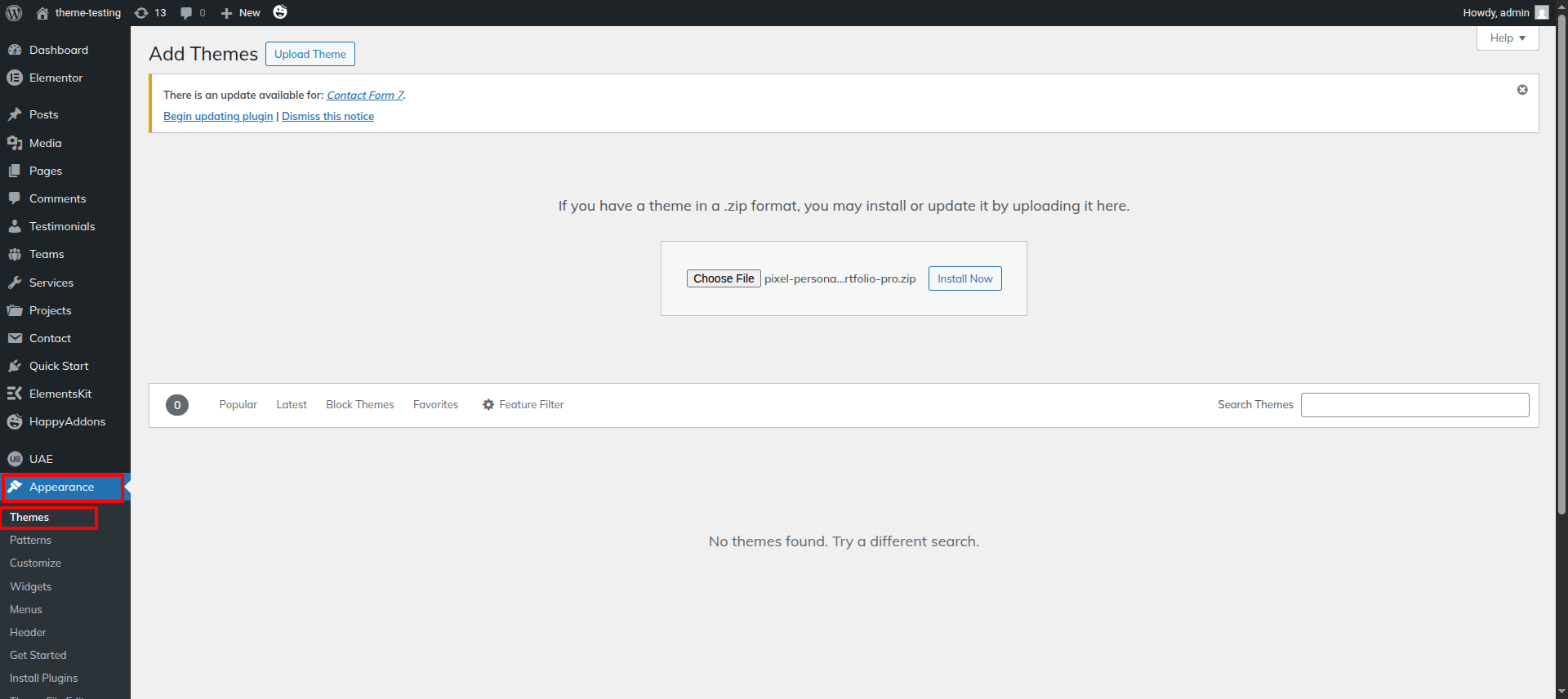
Next Progress while hitting "Dashboard" Discover "Appearance" Move forward "Themes" then "Add New" and lastly "Upload Themes" previous tapping "Install Now" .
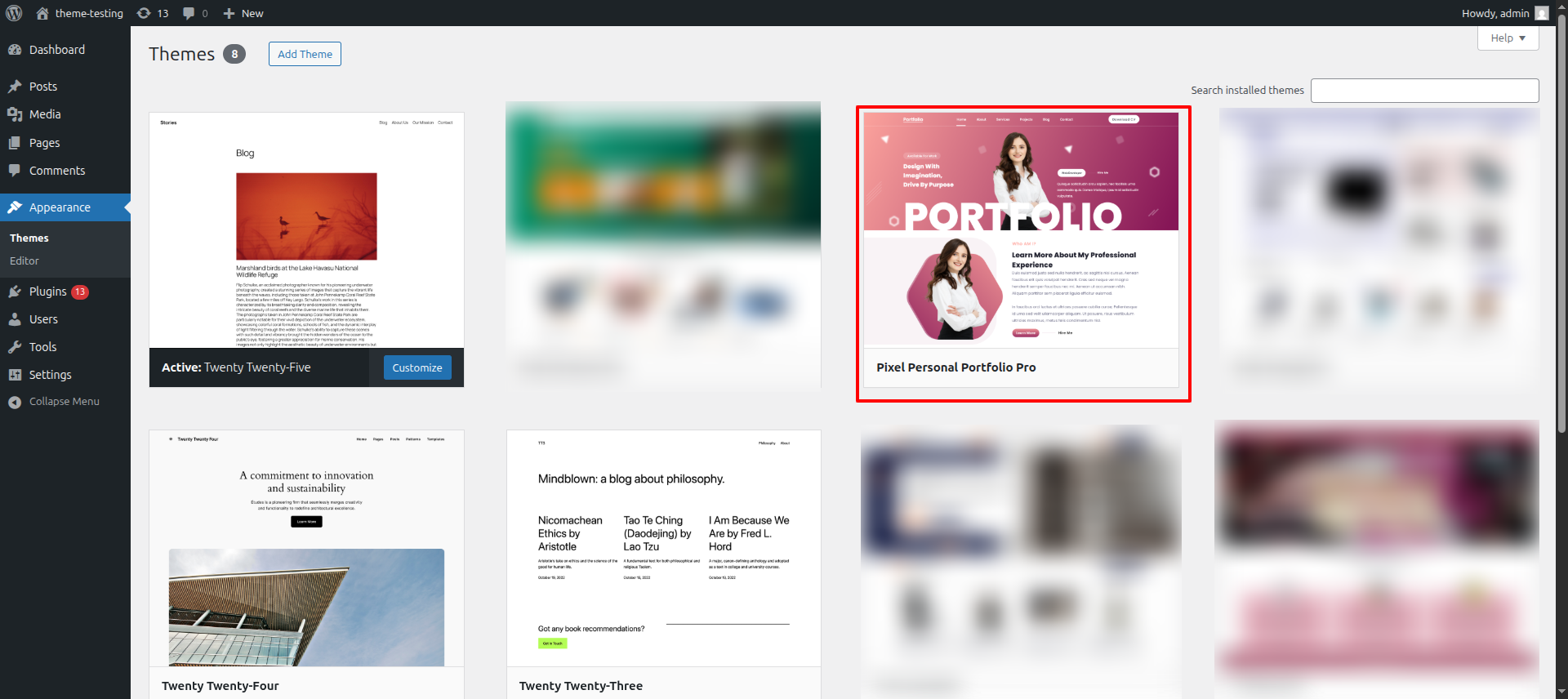
Final Process while hitting "Dashboard" Discover "Appearance" and lastly "Themes" previous tapping "Activate" .
Transmissions through FTP
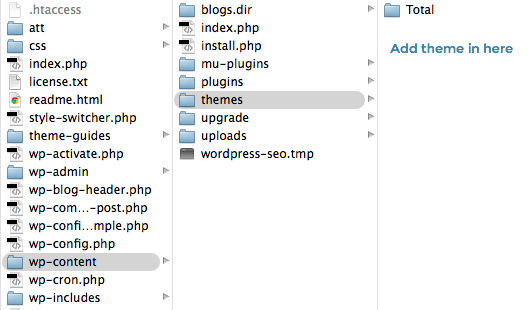
Use FTP as a last resort. Open your FTP client, log in, and locate wp-content and your theme. Download, unzip, and transfer the folder to the server's "themes" directory. The new template will show under "Appearance" in your WordPress Dashboard.
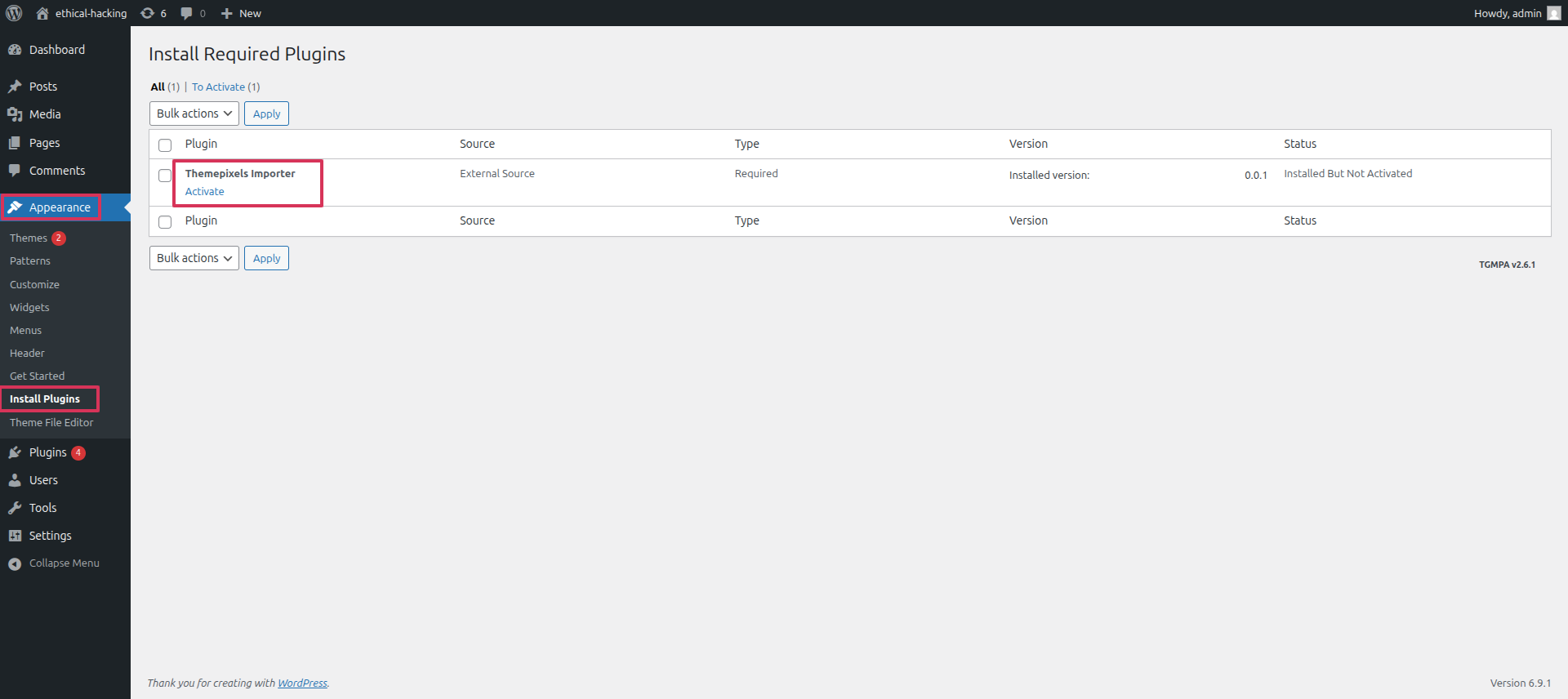
Applying the Plugins as the outset.
Initial Progress while hitting "Dashboard" Discover "Appearance" and lastly "Install Plugins" previous tapping "Install Now" .
Applying the Demo Imported as the outset
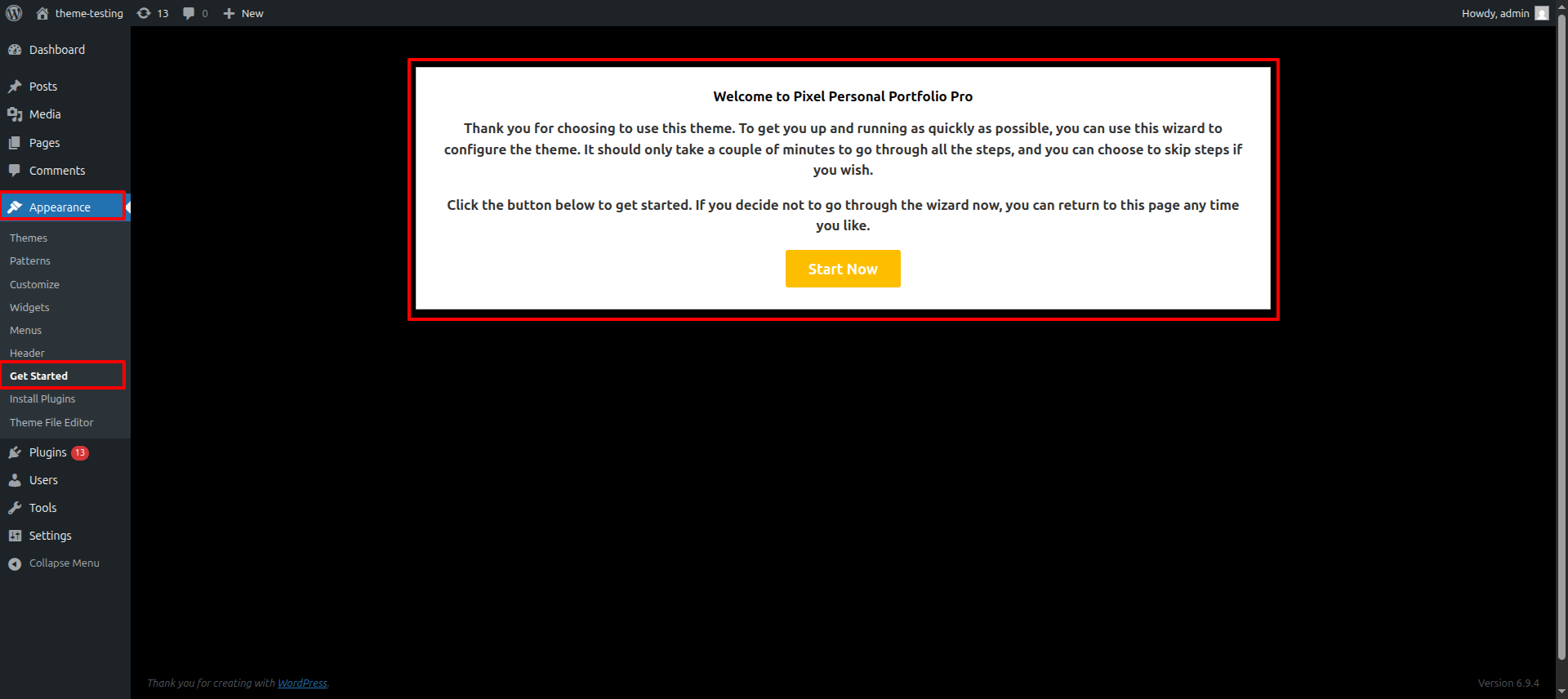
The Demo Import function in WordPress offers a straightforward solution for users to seamlessly import demo content with just a few simple clicks..
Initial Progress while hitting "Dashboard" Discover "Appearance" and lastly "Get Started" previous tapping "Run Importer" .
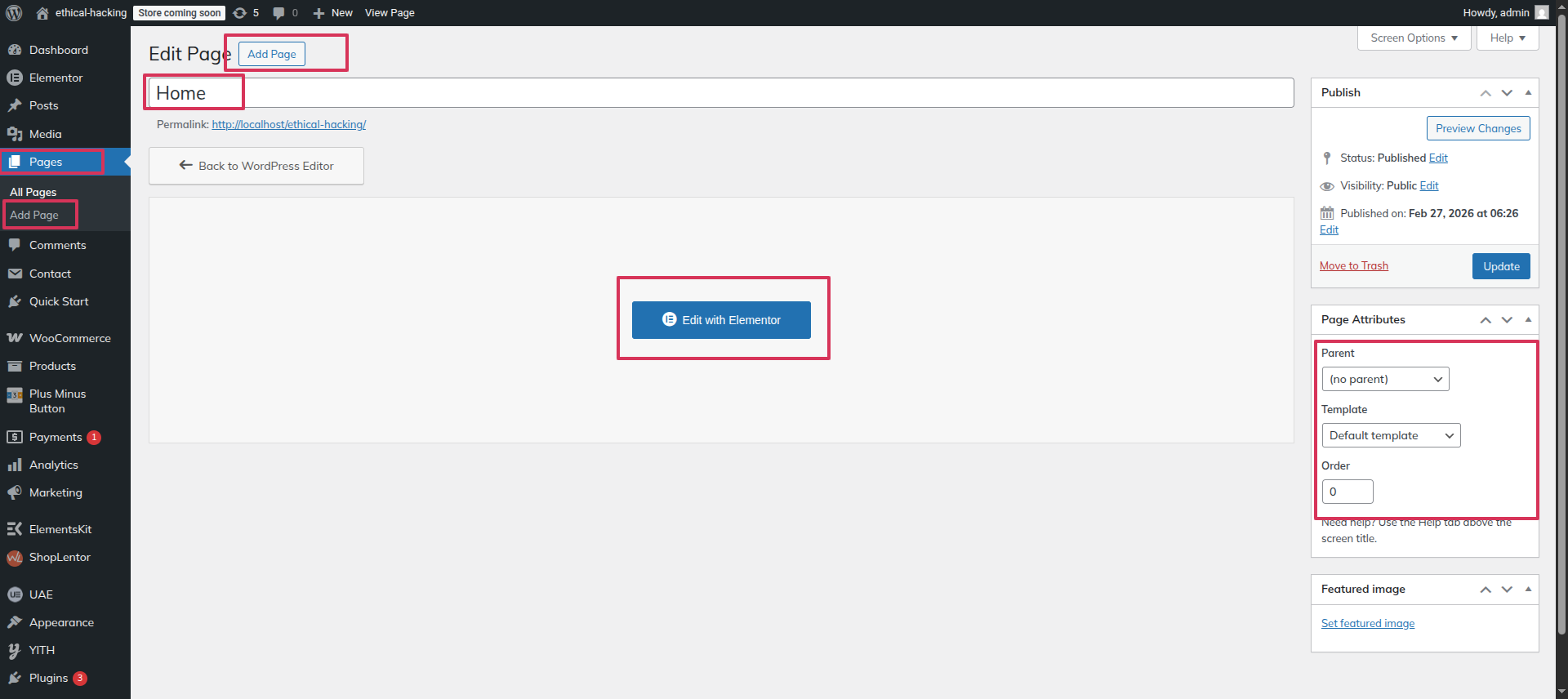
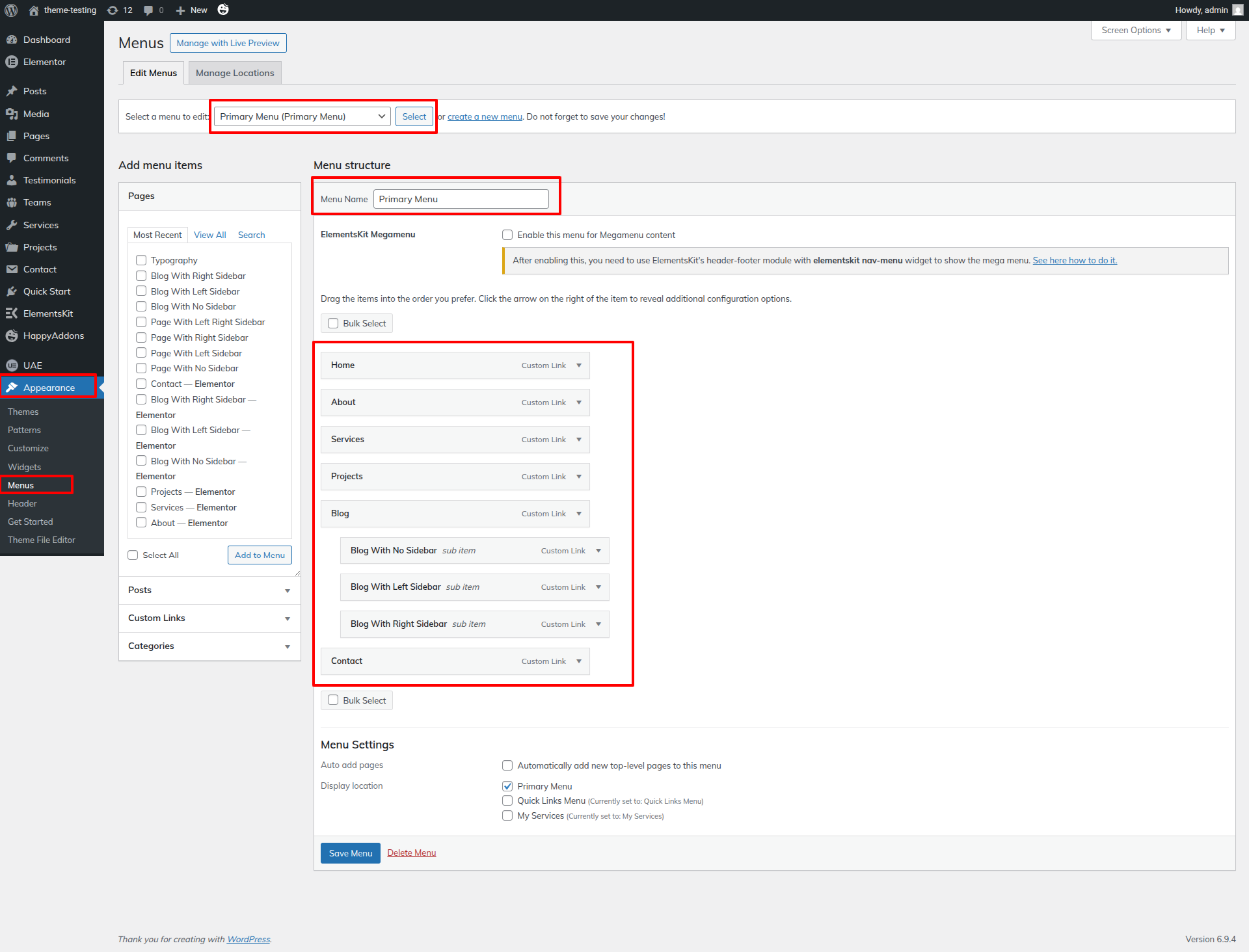
This section pertains to the Navigation reference.
Initial Progress while hitting "Dashboard" Discover "Page" and lastly "Add New" previous tapping "Published" .
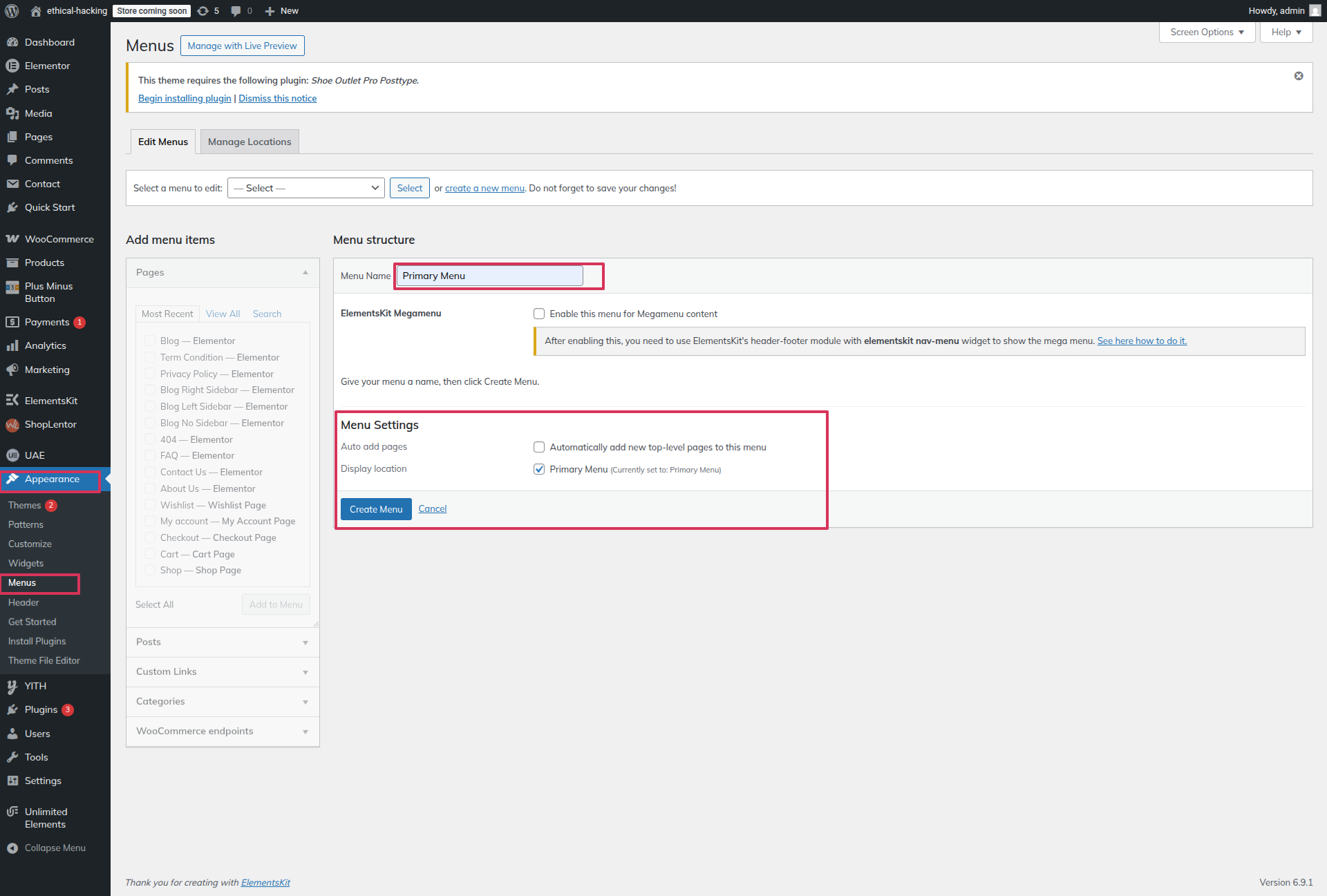
Next Progress while hitting "Dashboard" Discover "Appearance" then "Menu" Move forward "Menu Name" and lastly "Display Location" previous tapping "Create Menu" .
Final Progress while hitting "Dashboard" Discover "Appearance" then "Menu" Move forward "Select All" and lastly "Add to Menu" previous tapping "Save Menu" .
This section pertains to the Site Identity reference.
Initial Progress while hitting "Dashboard" Discover "Elements-Kit" Move forward "Edit with elementor" select image/site identity widget" and then "Publish" .
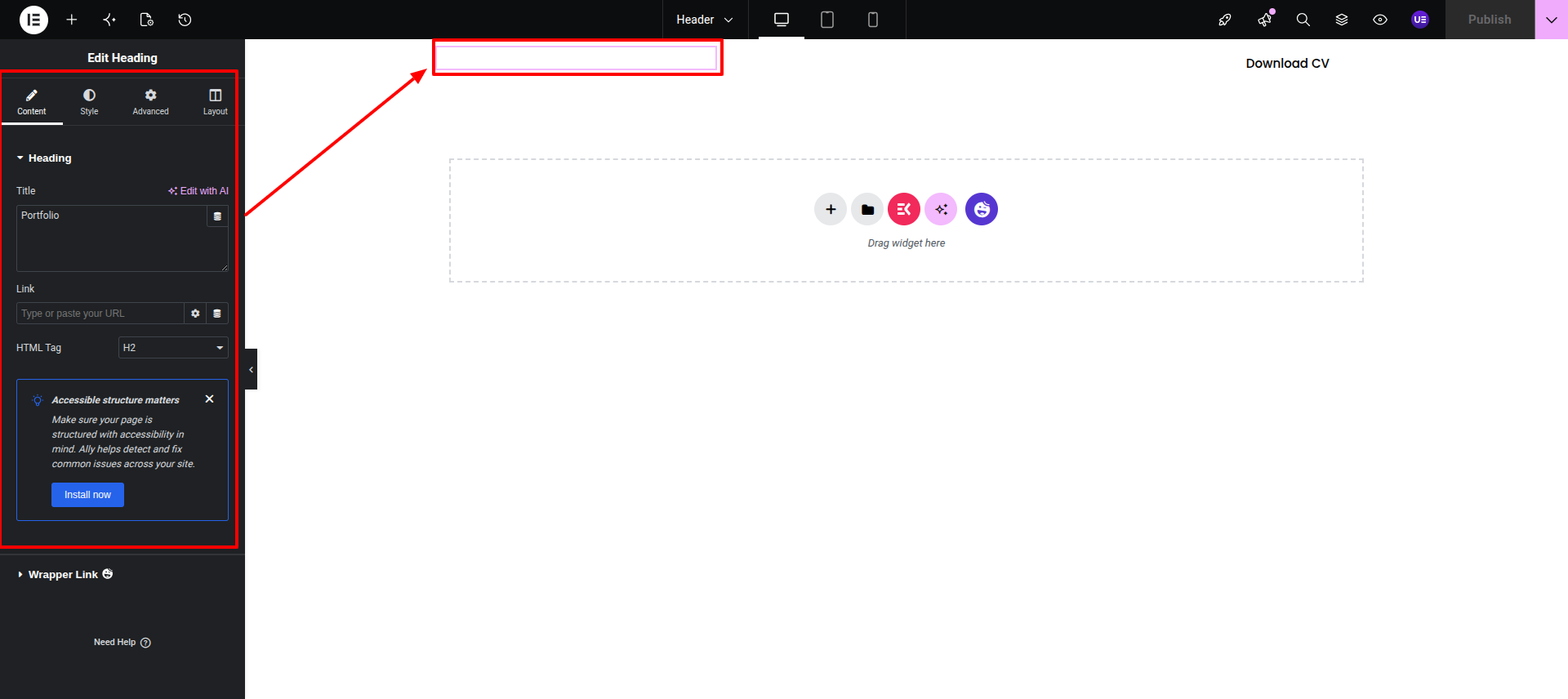
Final Progress See below for design insights.
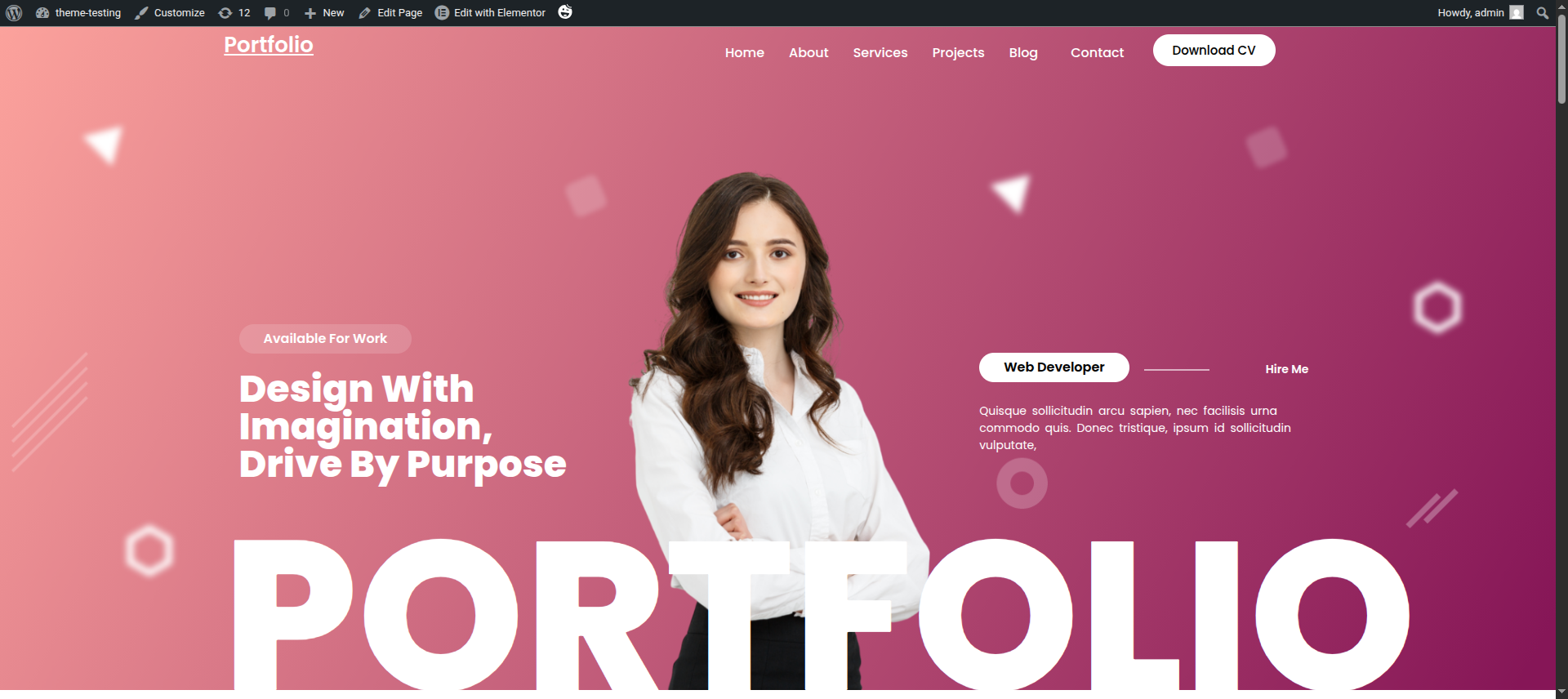
This section pertains to the Header reference.
Initial Progress while hitting "Dashboard" Discover "Appearance" then "Customizing" Move forward "Theme Settings" and lastly "Header Settings" previous tapping "Published" .
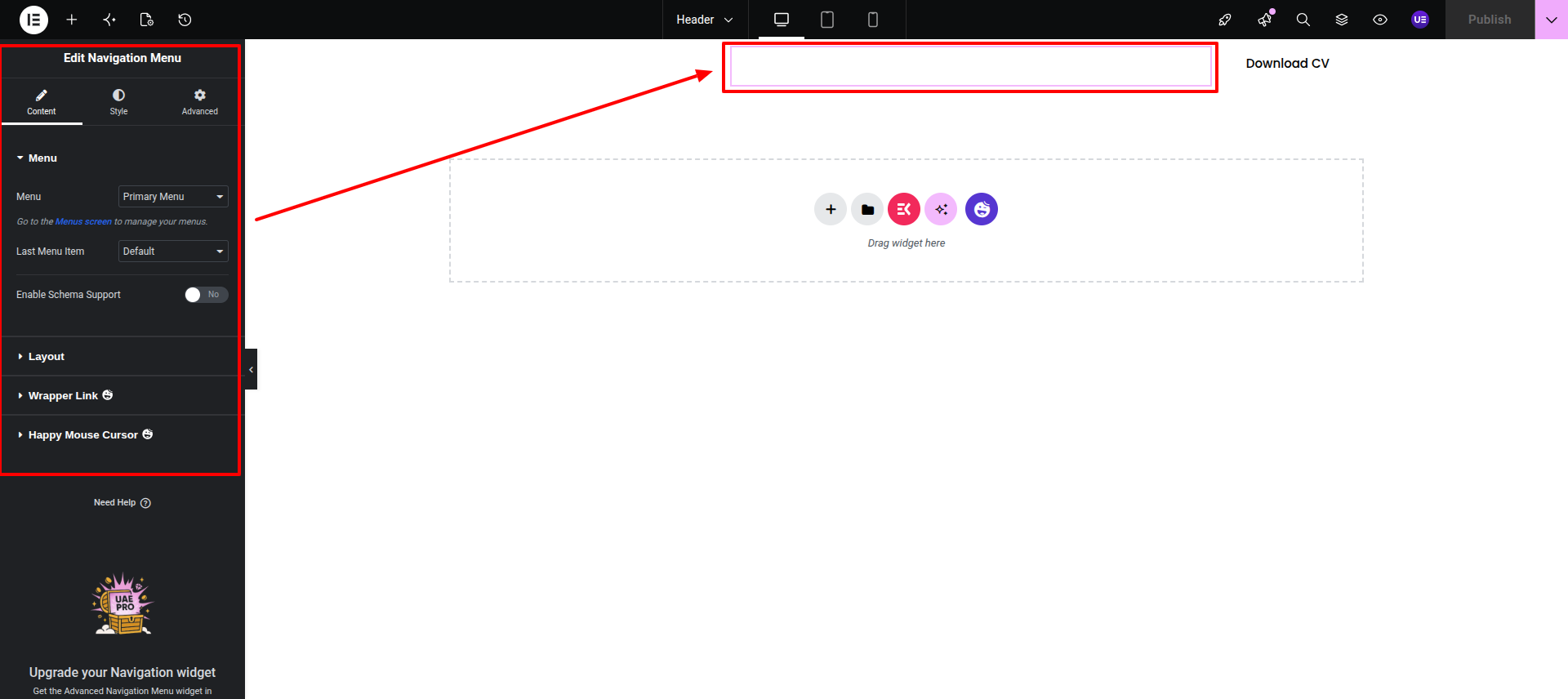
This is a normal button with unique link inserted in it.
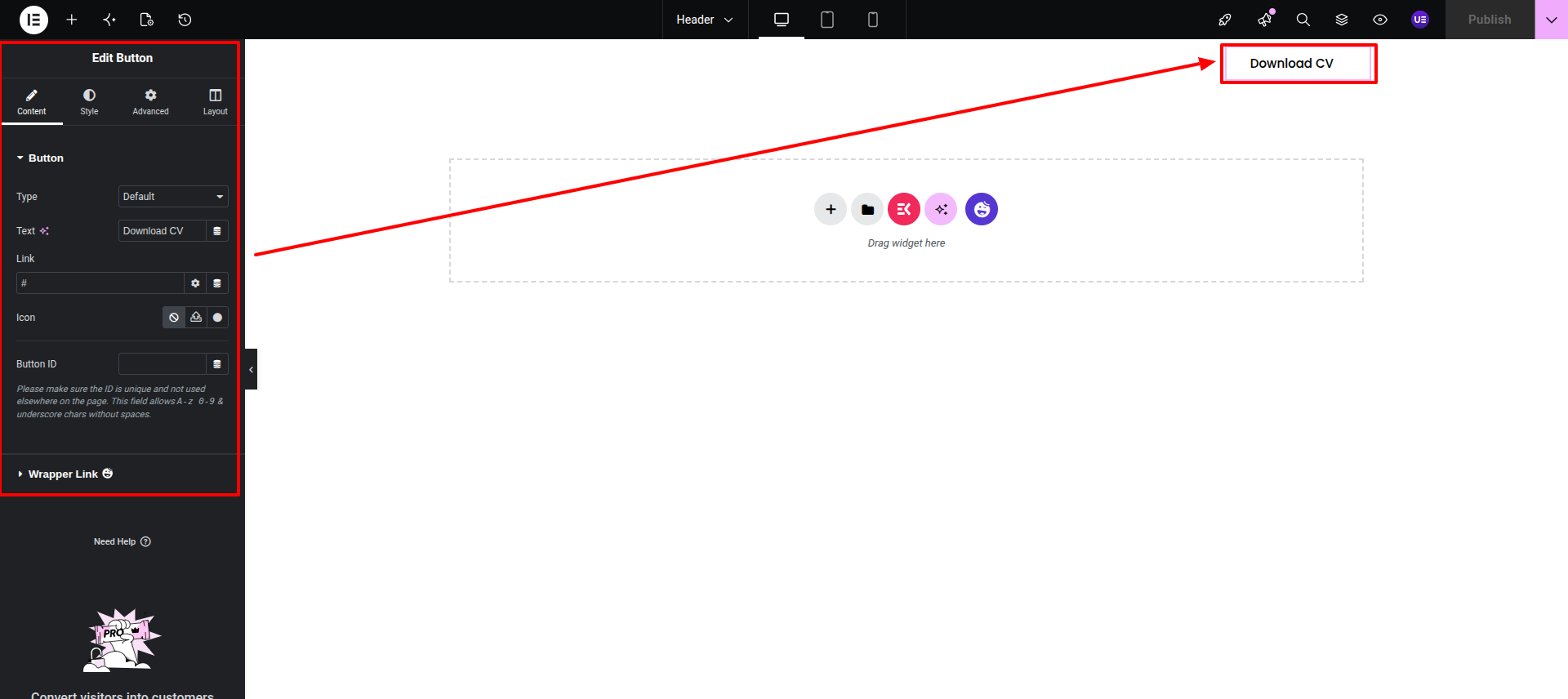
Final Progress See below for design insights.
This section pertains to the Hero Section.
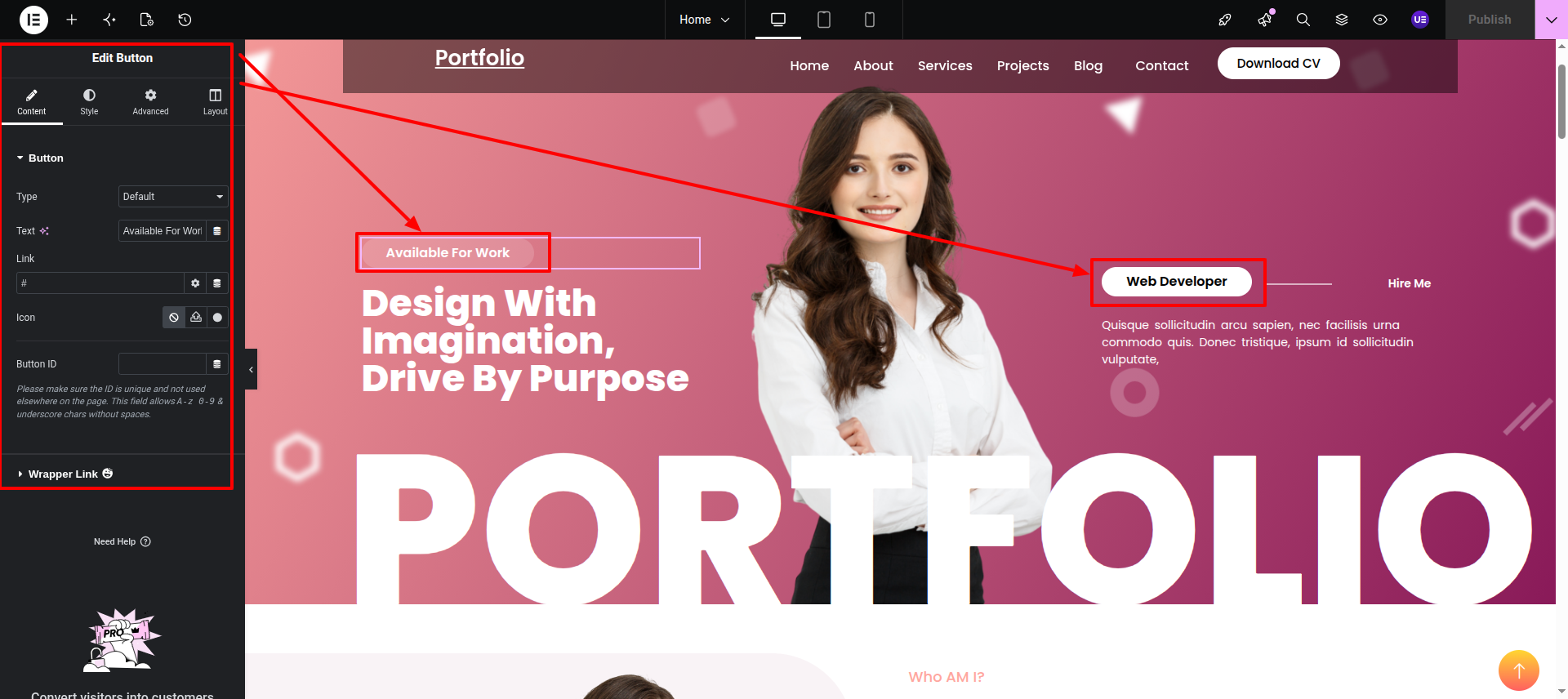
Initial Progress while hitting "page, edit with elementor" Discover "Simple Image in widgts area" then "add button widget, those both elements are button widgets."
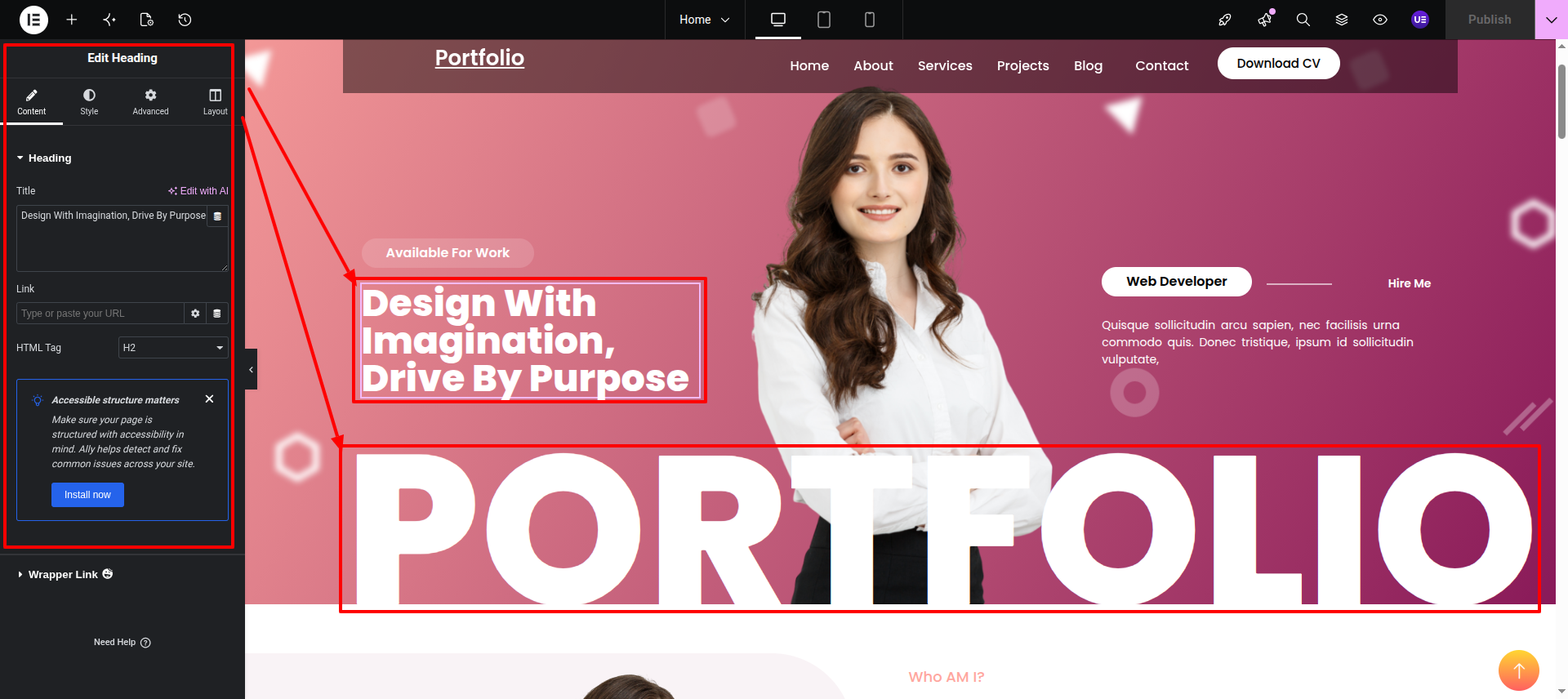
Heading Widget Add your desired Heading in the widget
Text Editor This is the Text Editor Widget, add your desired text in here.
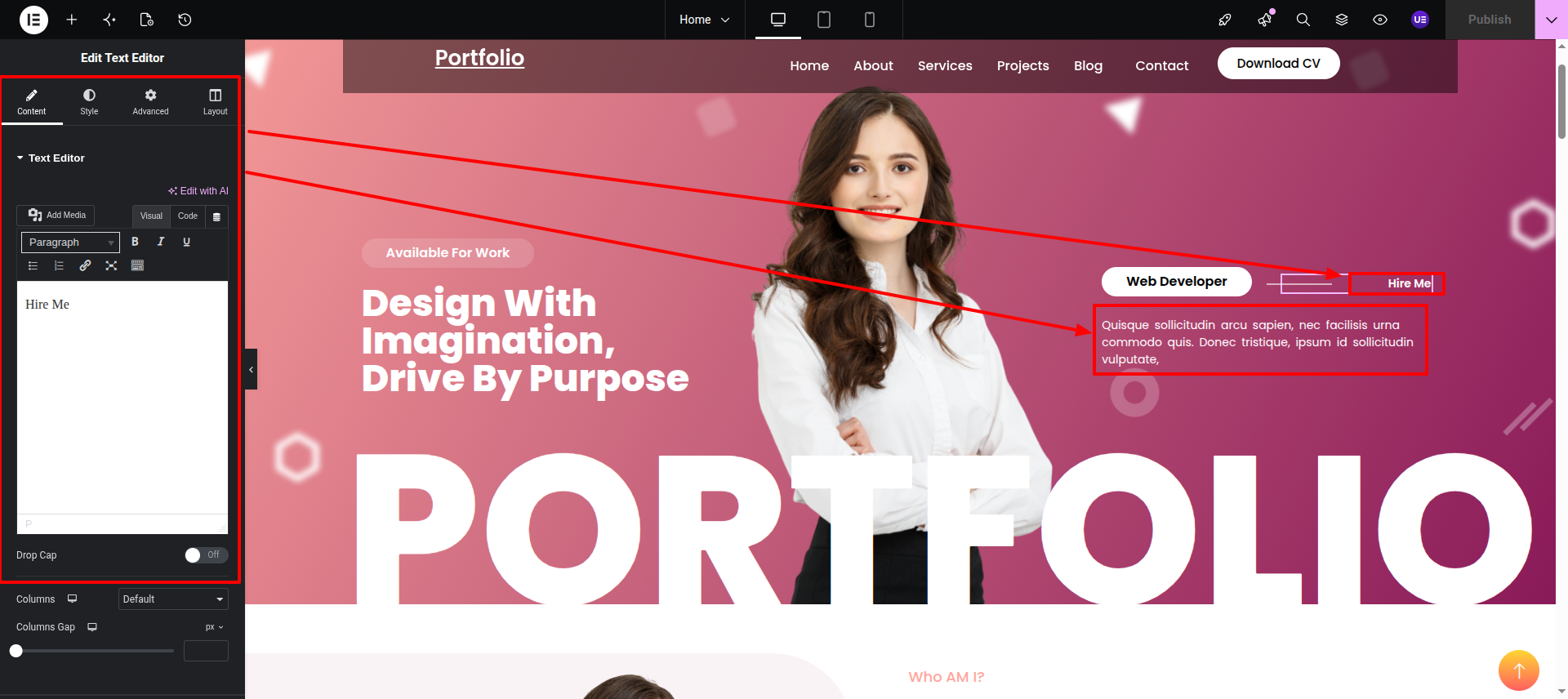
Image This is a simple Image widget.
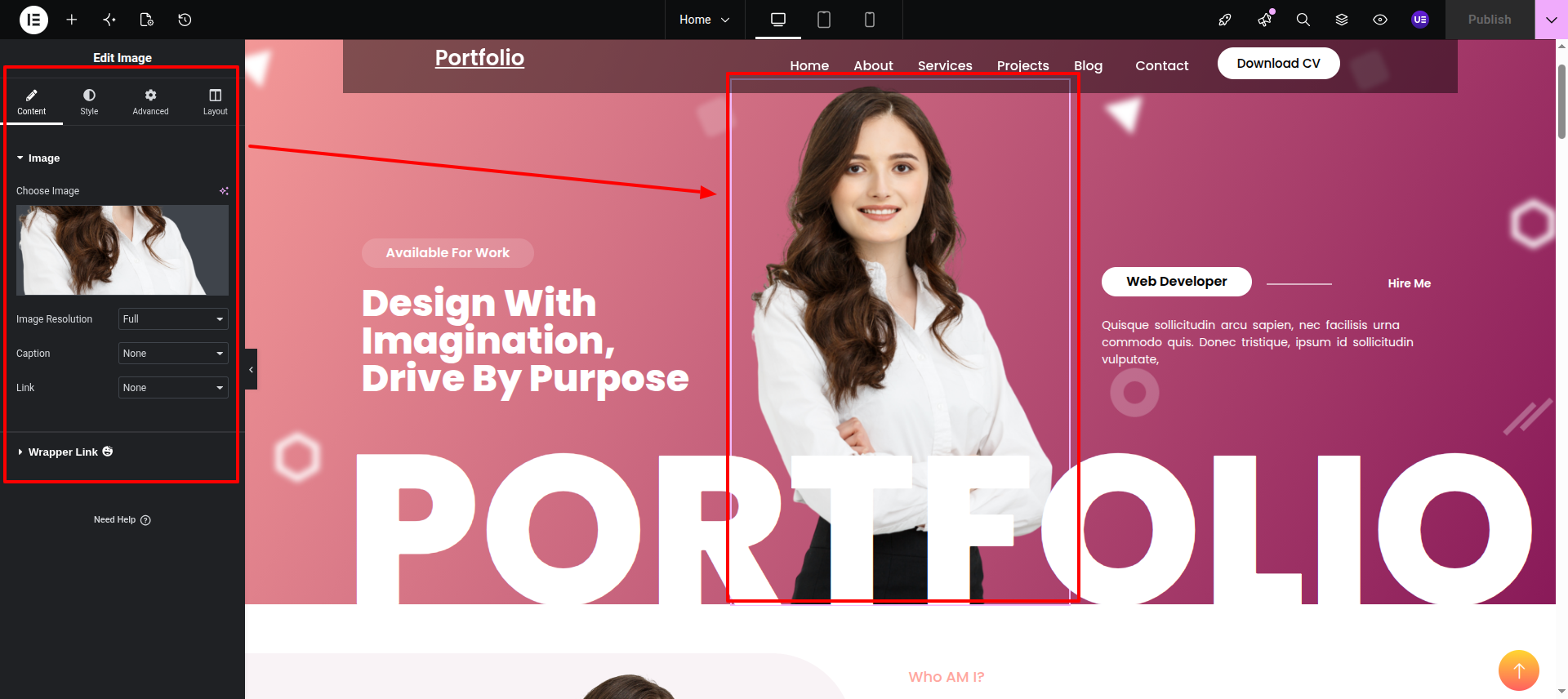
Final Progress See below for design insights.
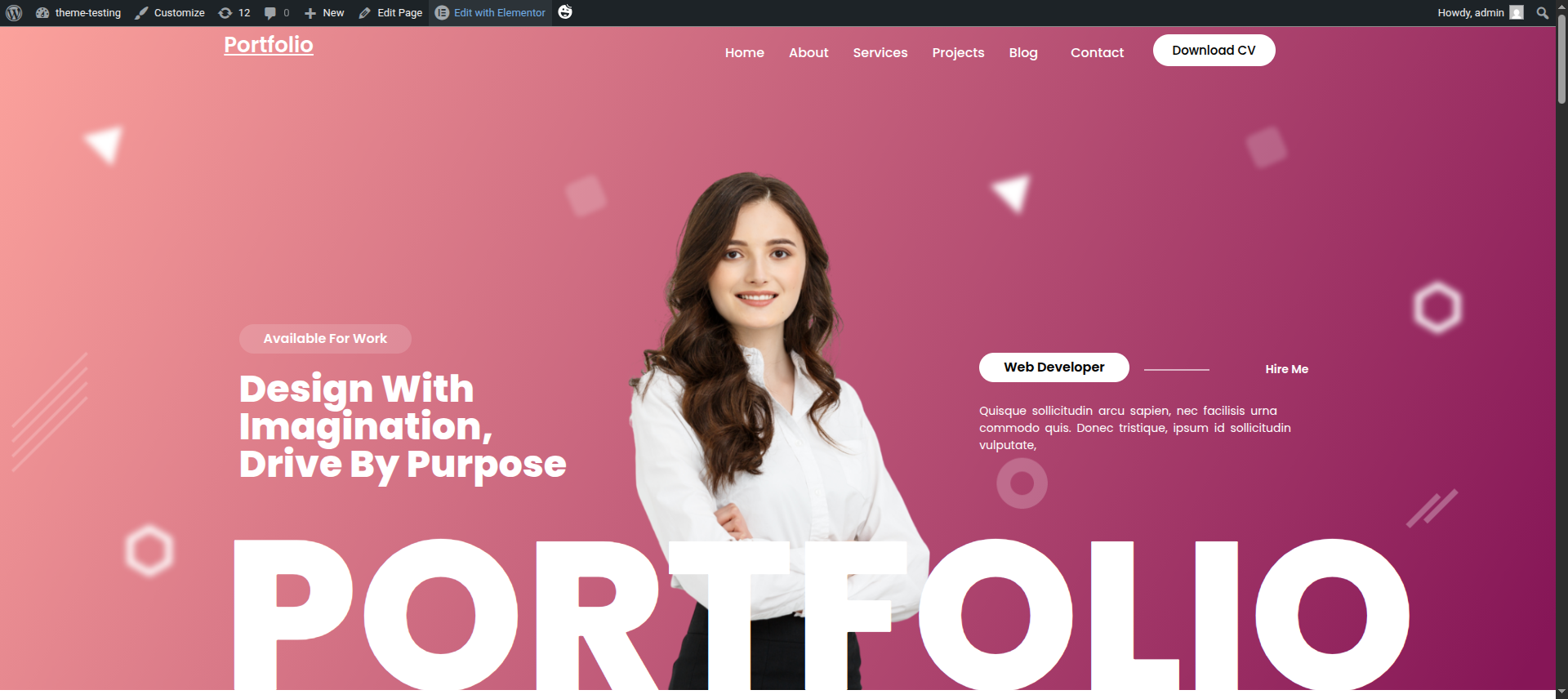
This section pertains to the About Us reference.
Initial Progress while hitting "Dashboard" Move forward "with adding background image" and lastly "add Images in it.
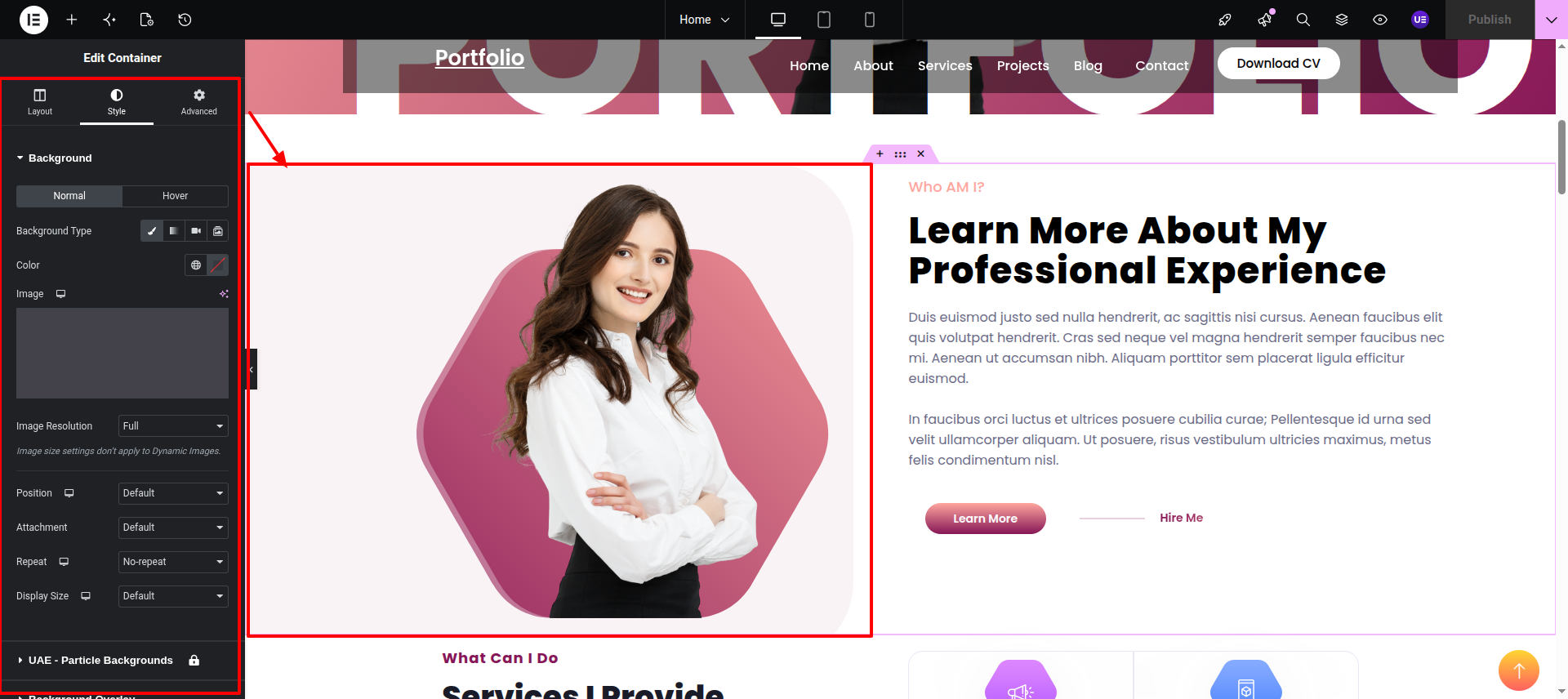
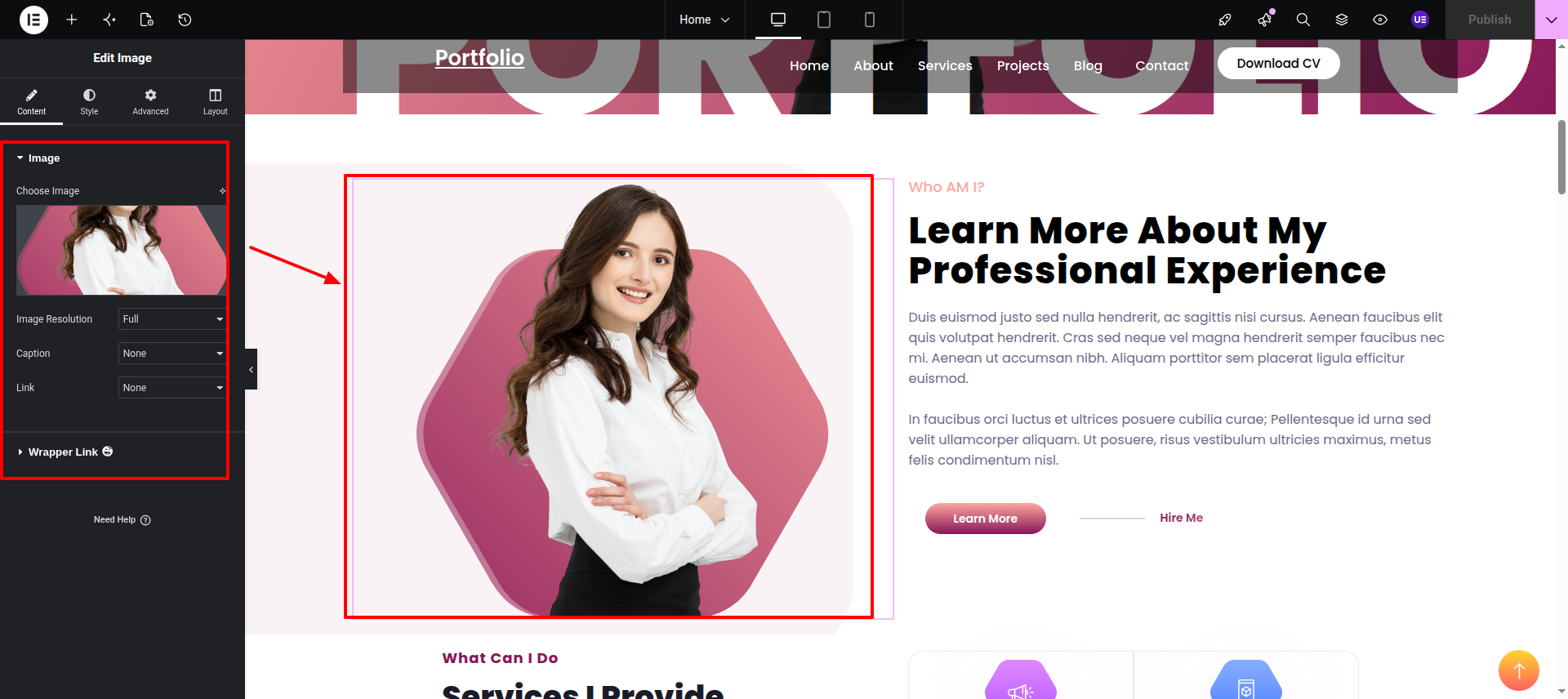
Image Widget while hitting "Dashboard" Add your desired image using Image widget." .
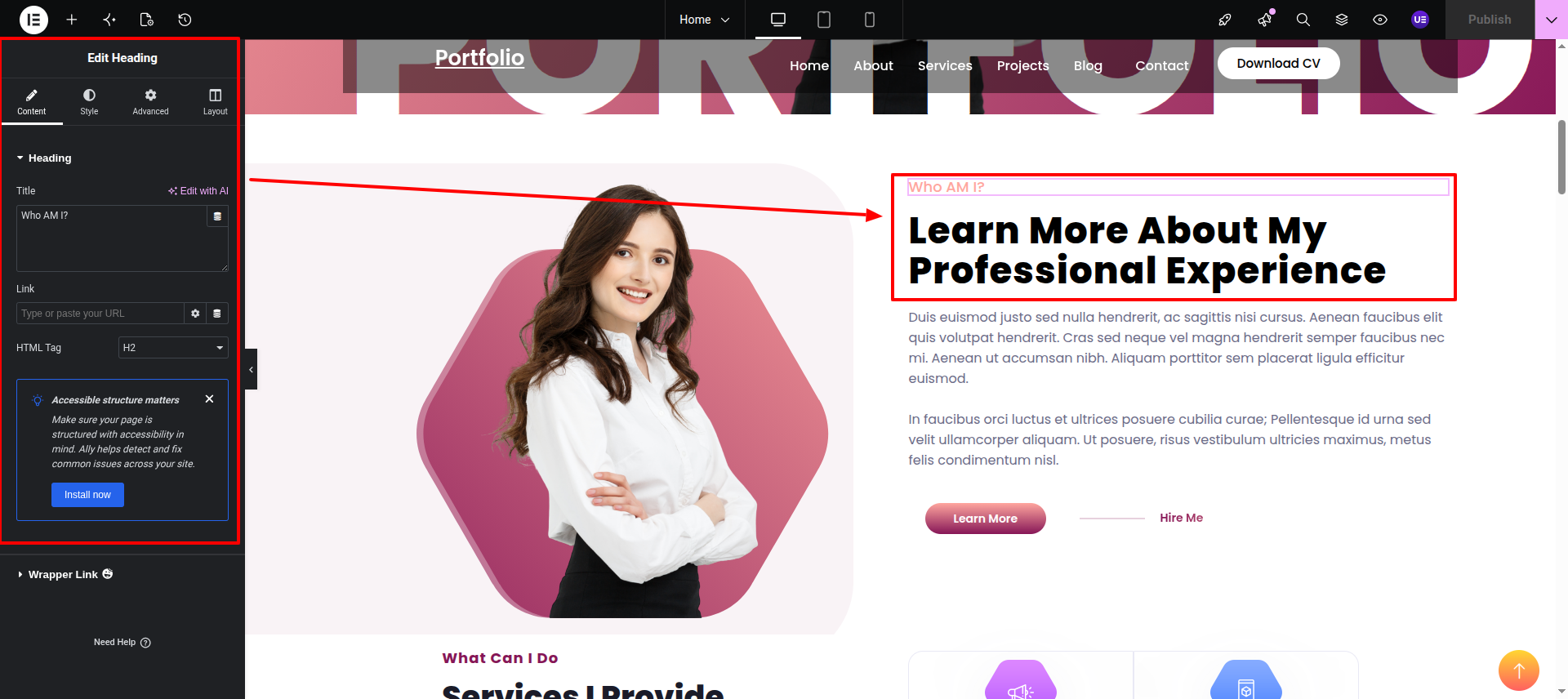
Heading These both Heading widgets
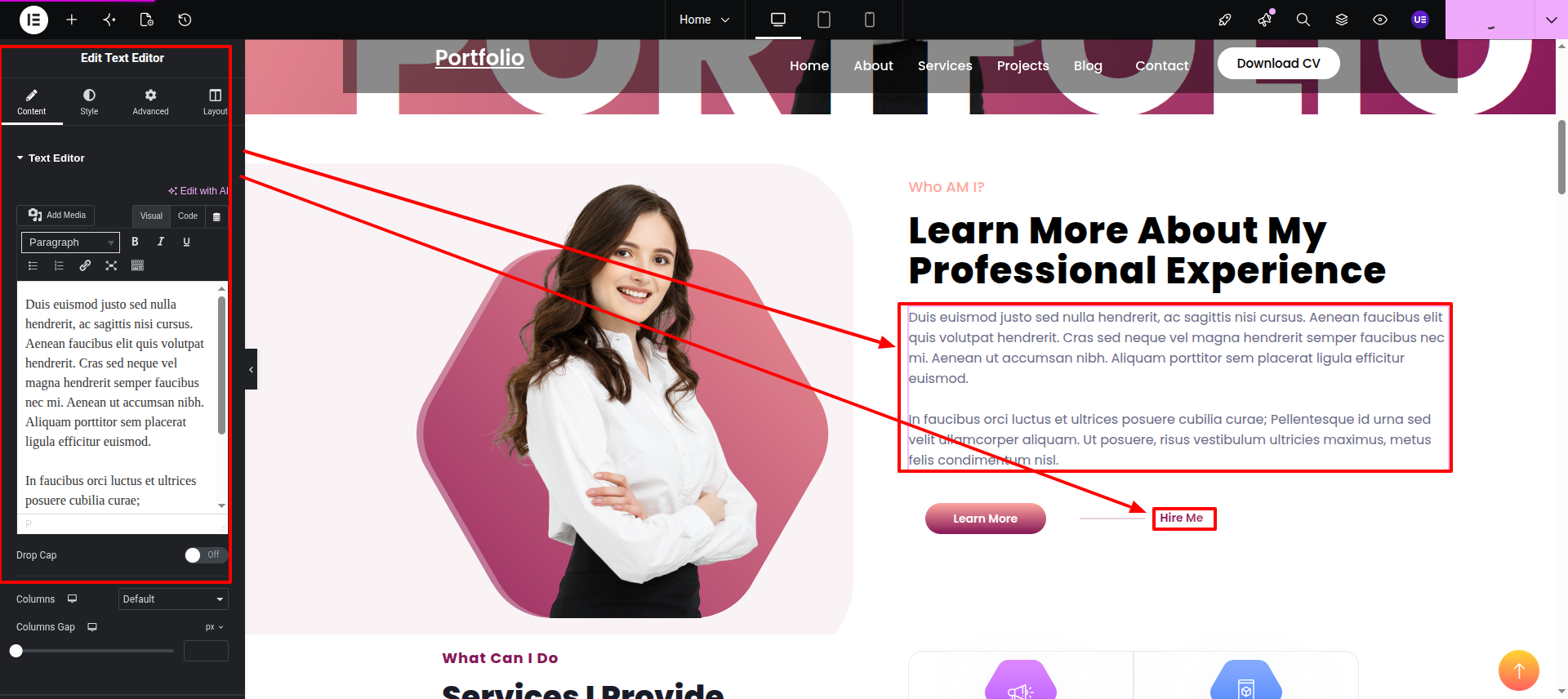
Text Editor This is a simple text editor
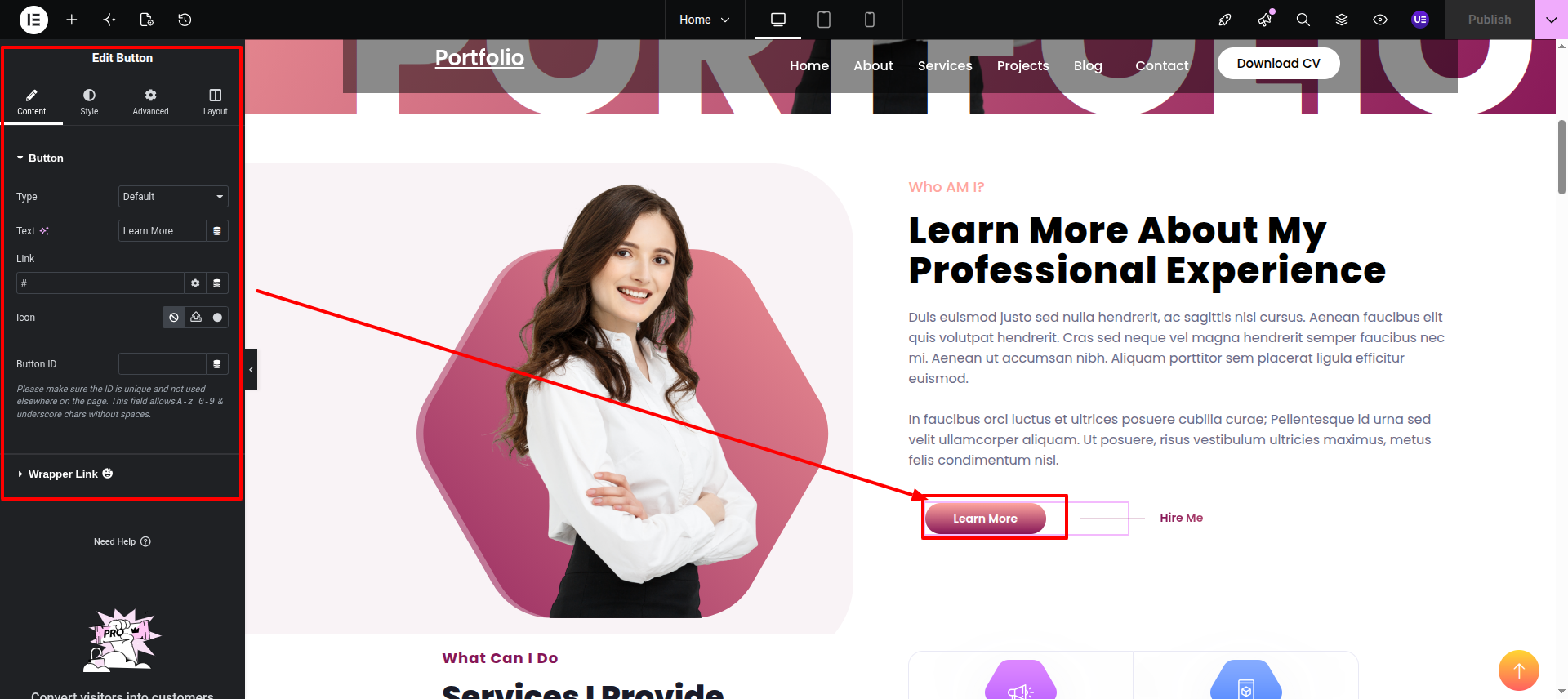
Button Widget This is a button widget.
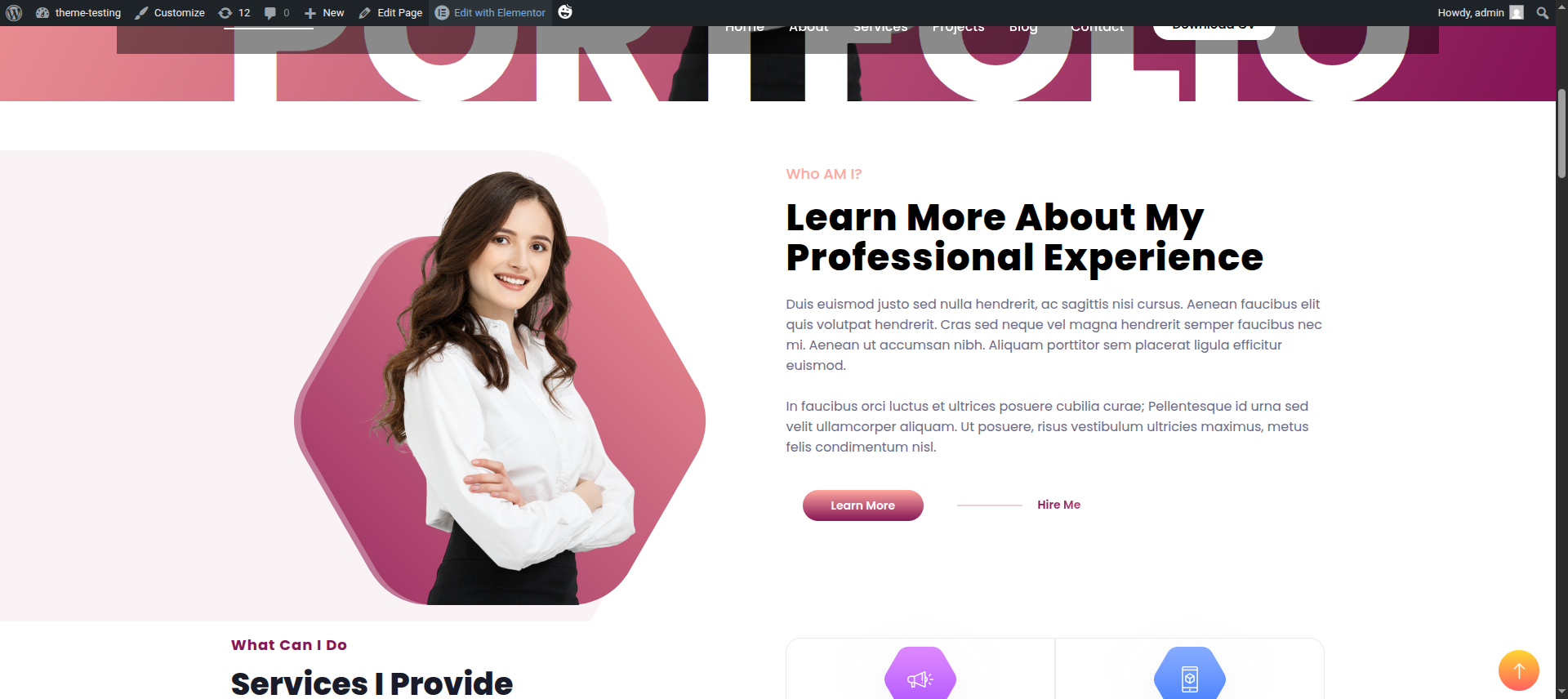
Final Progress See below for design insights.
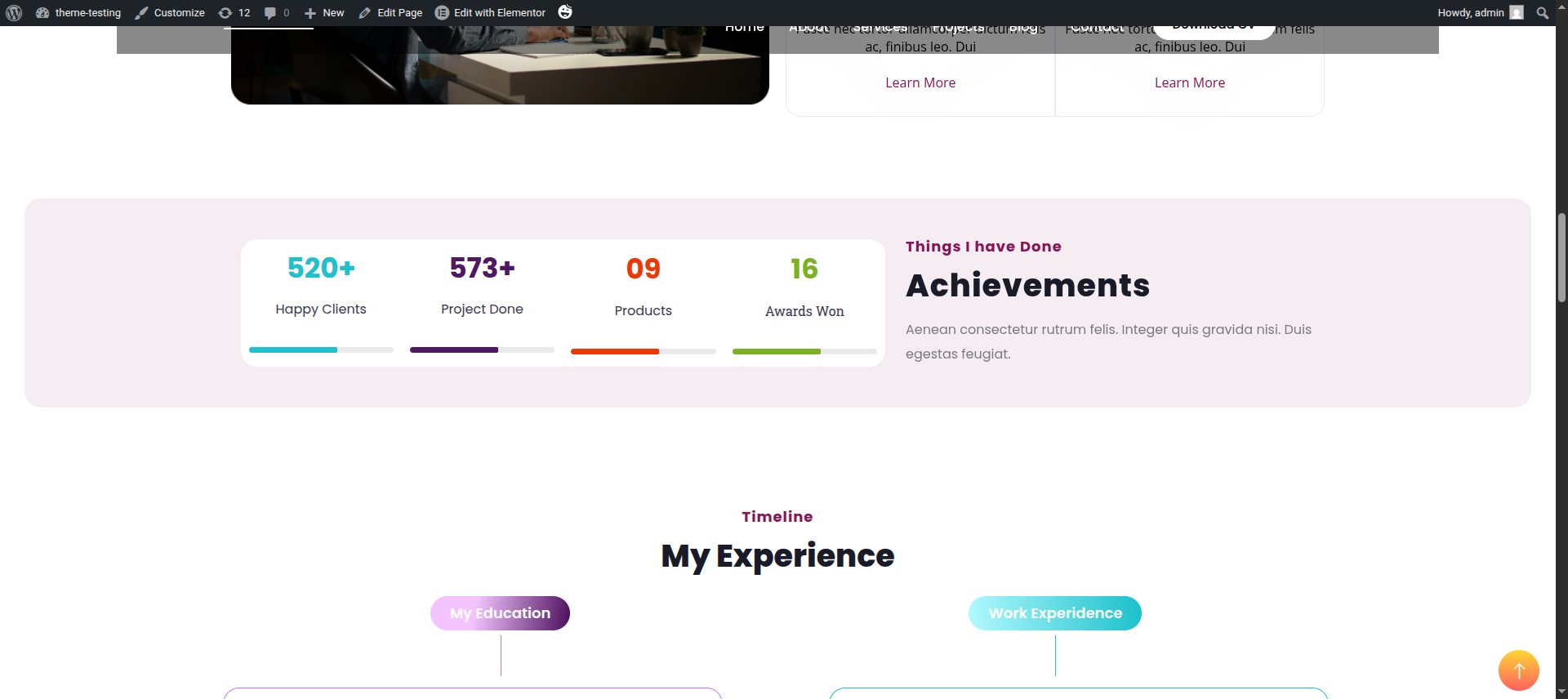
This section pertains to the Achievements .
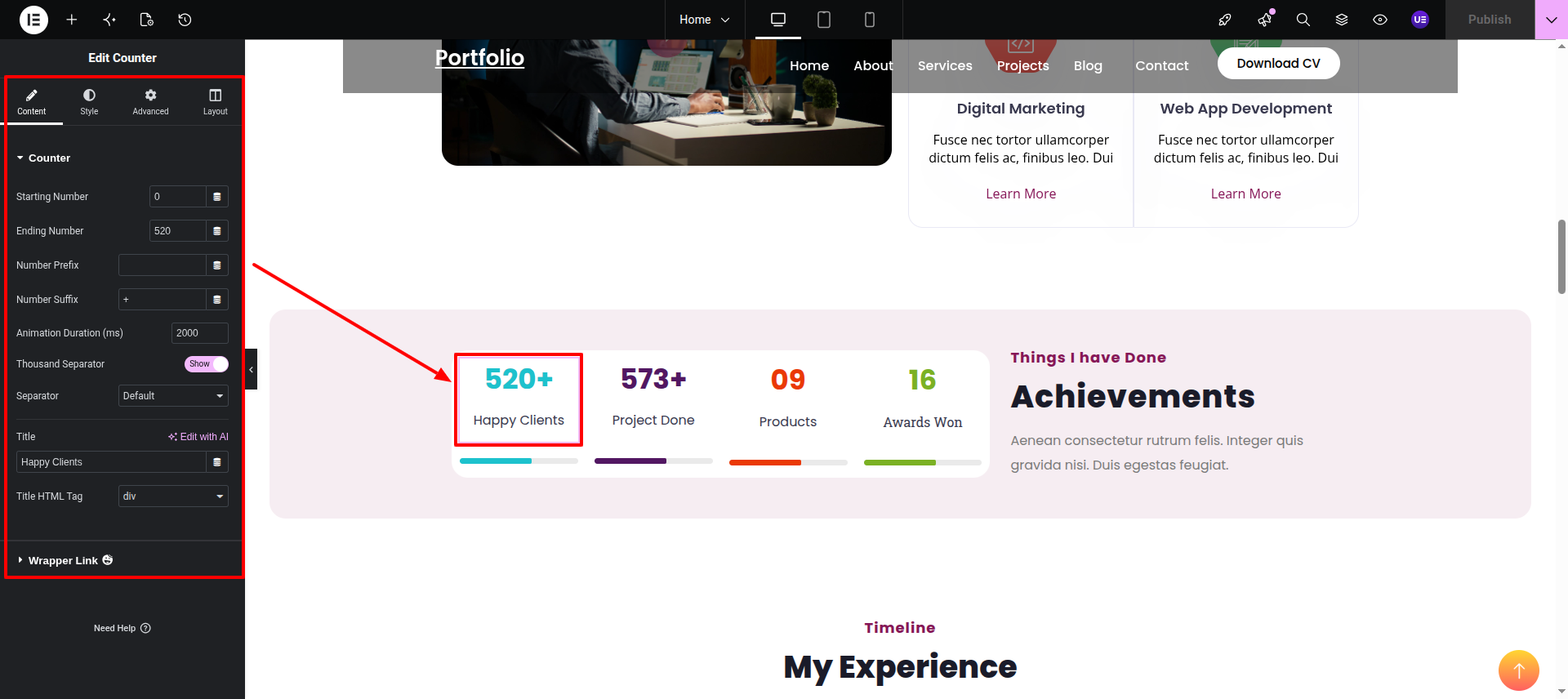
Initial Progress while hitting "Dashboard" Discover "Counter Widget" then "add your data" Move forward "add heading, content."
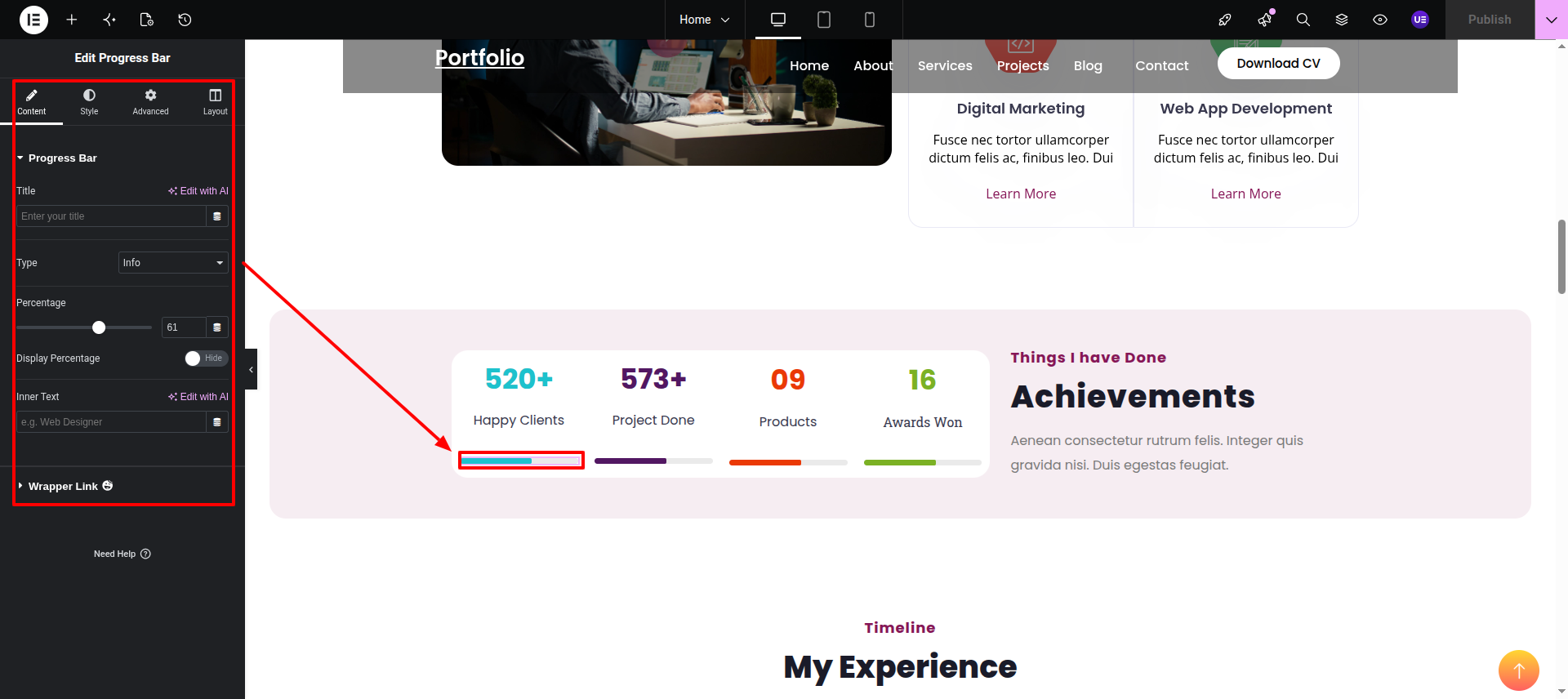
Progress Bar This is the Progress Bar Widget.
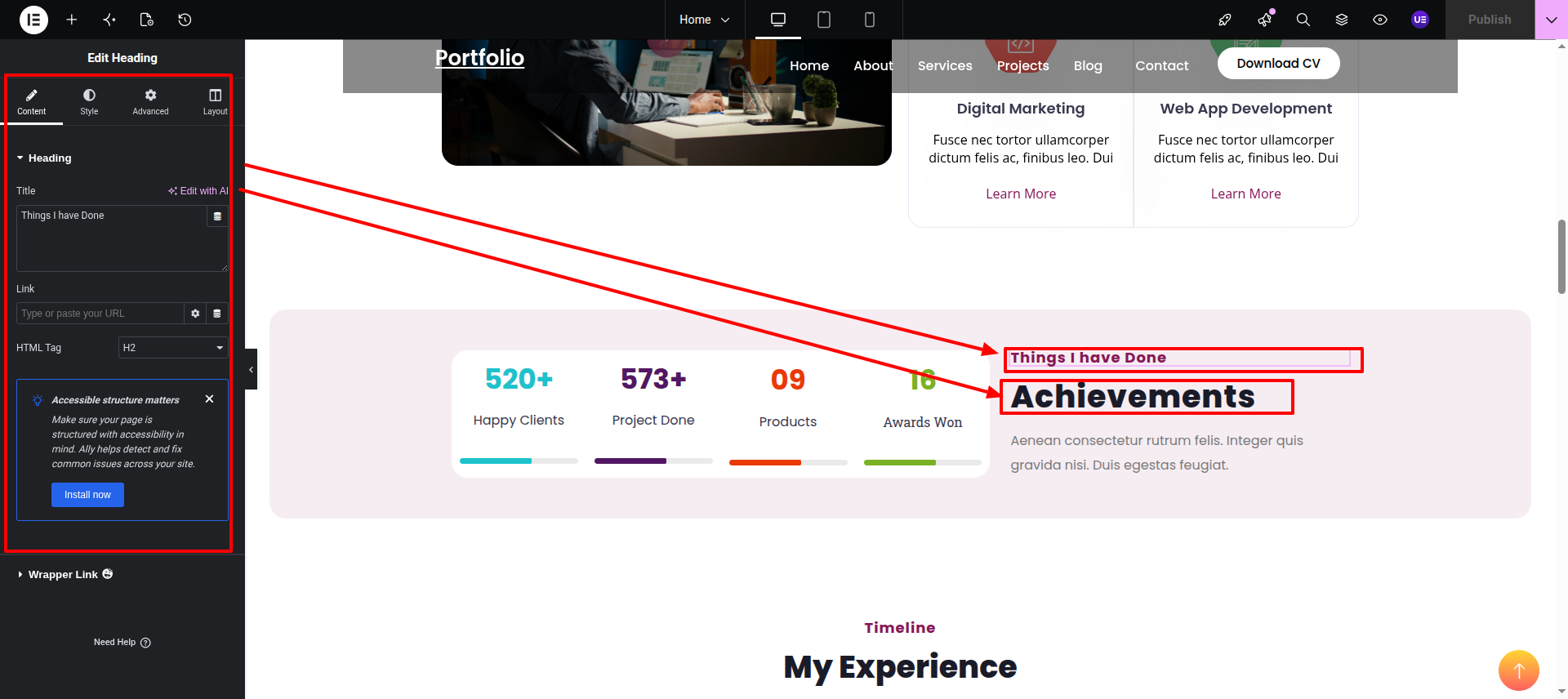
Heading Widget This is the Normal Heading Widget.
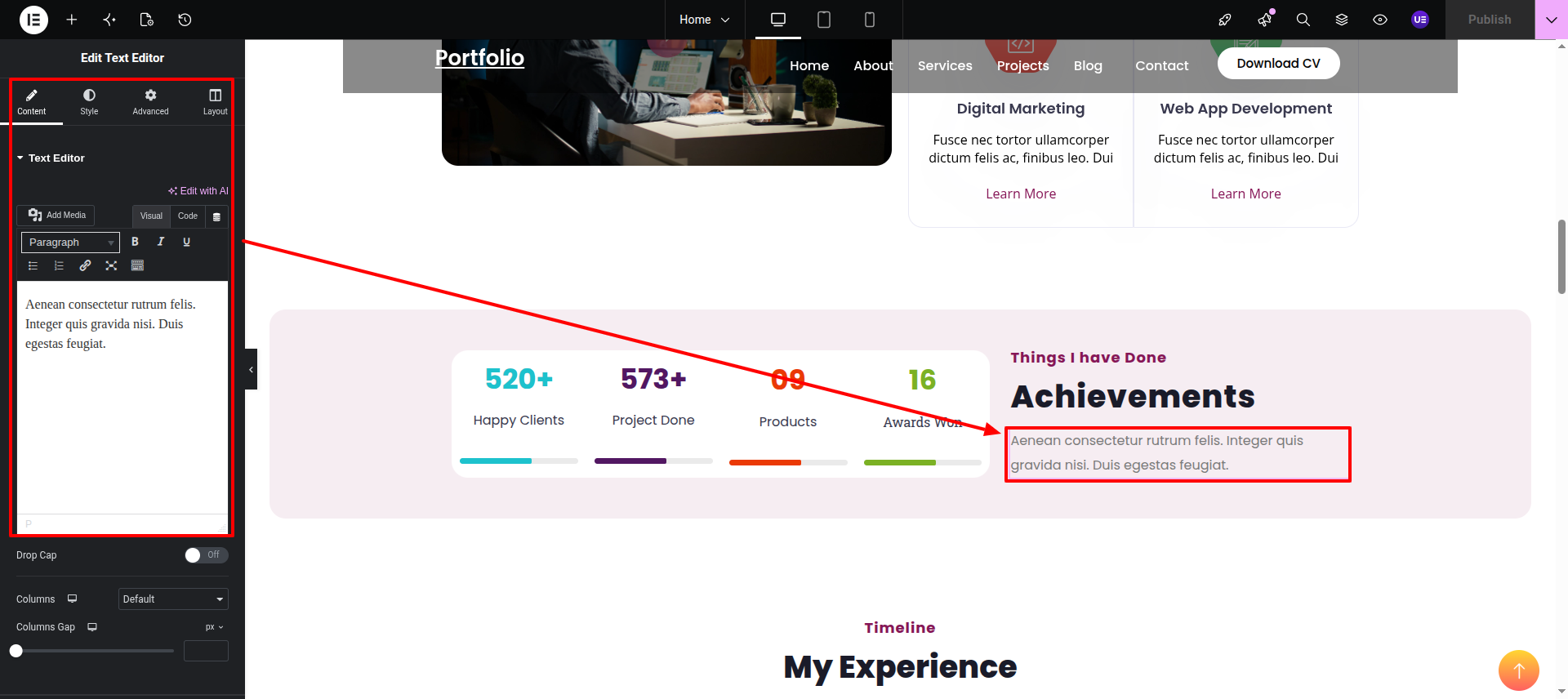
Text Editor This is the Text Editor Widget.
Final Progress See below for design insights.
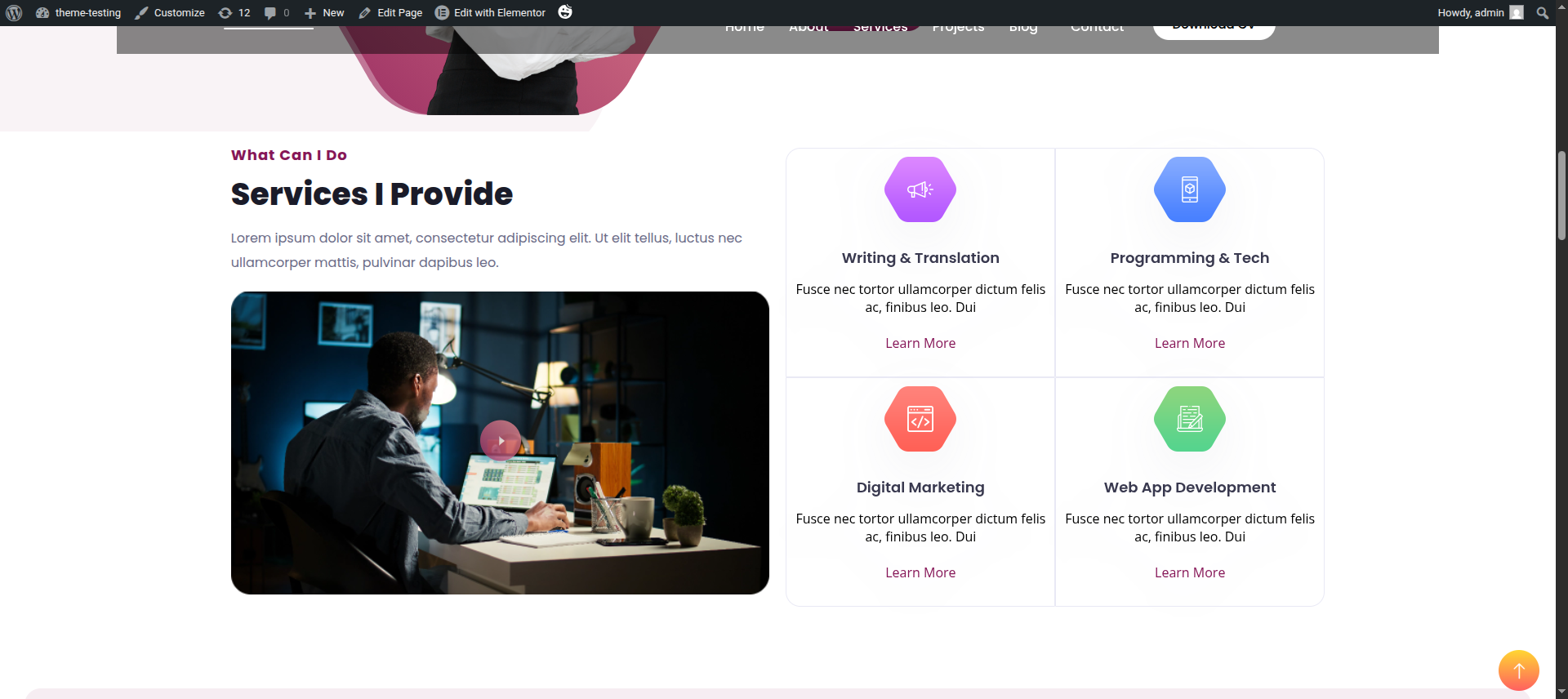
This section pertains to the Services.
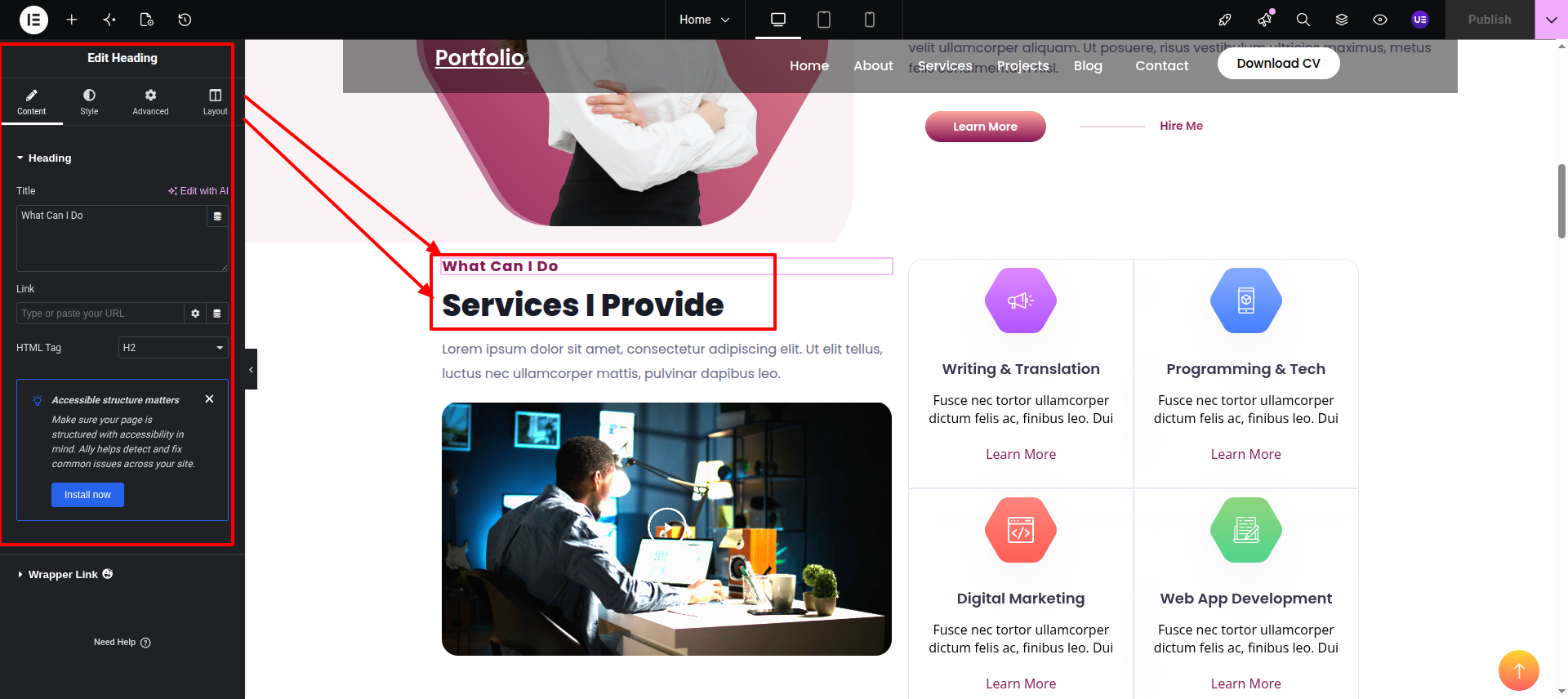
Heading Widget while hitting "Dashboard" Discover "Heading Widget". Those both the elements are Heading Widget.
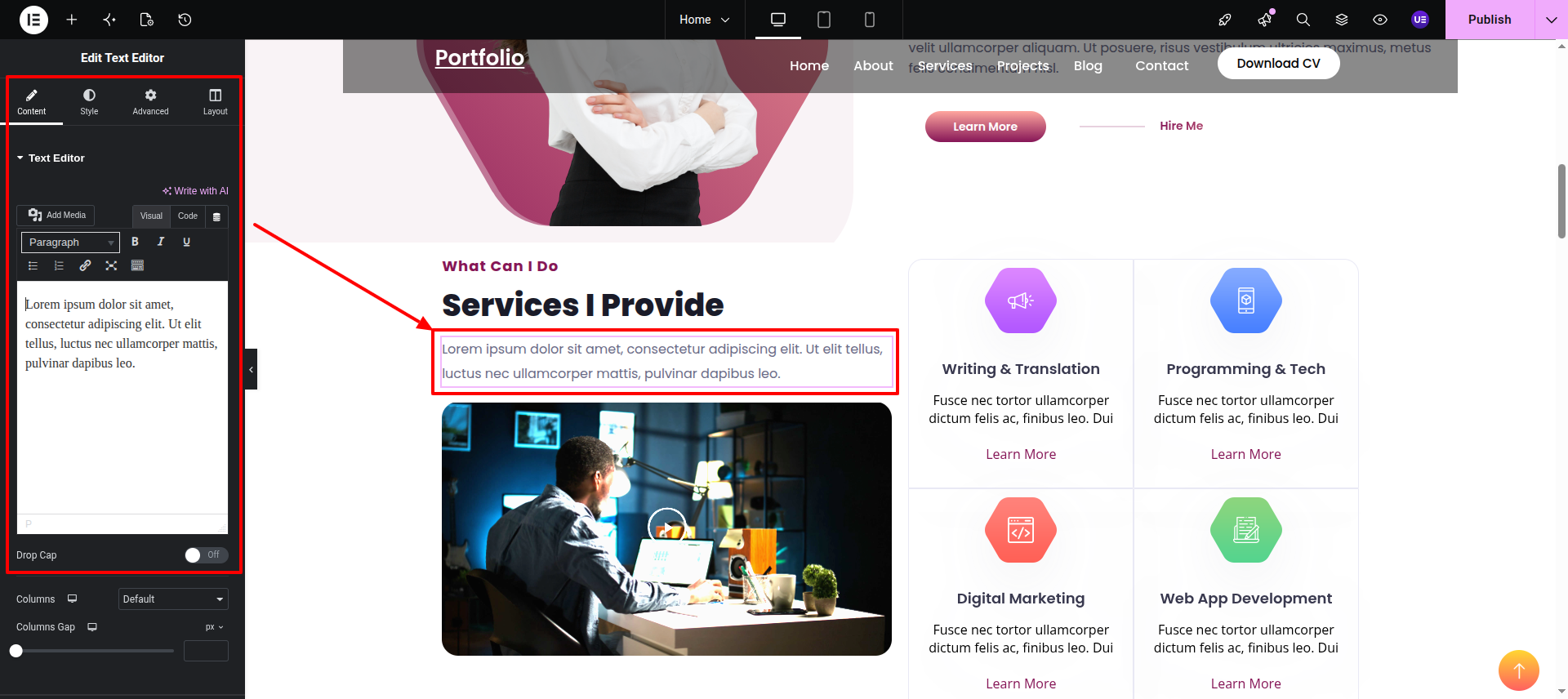
Text Editor This is the Text Editor Widget.
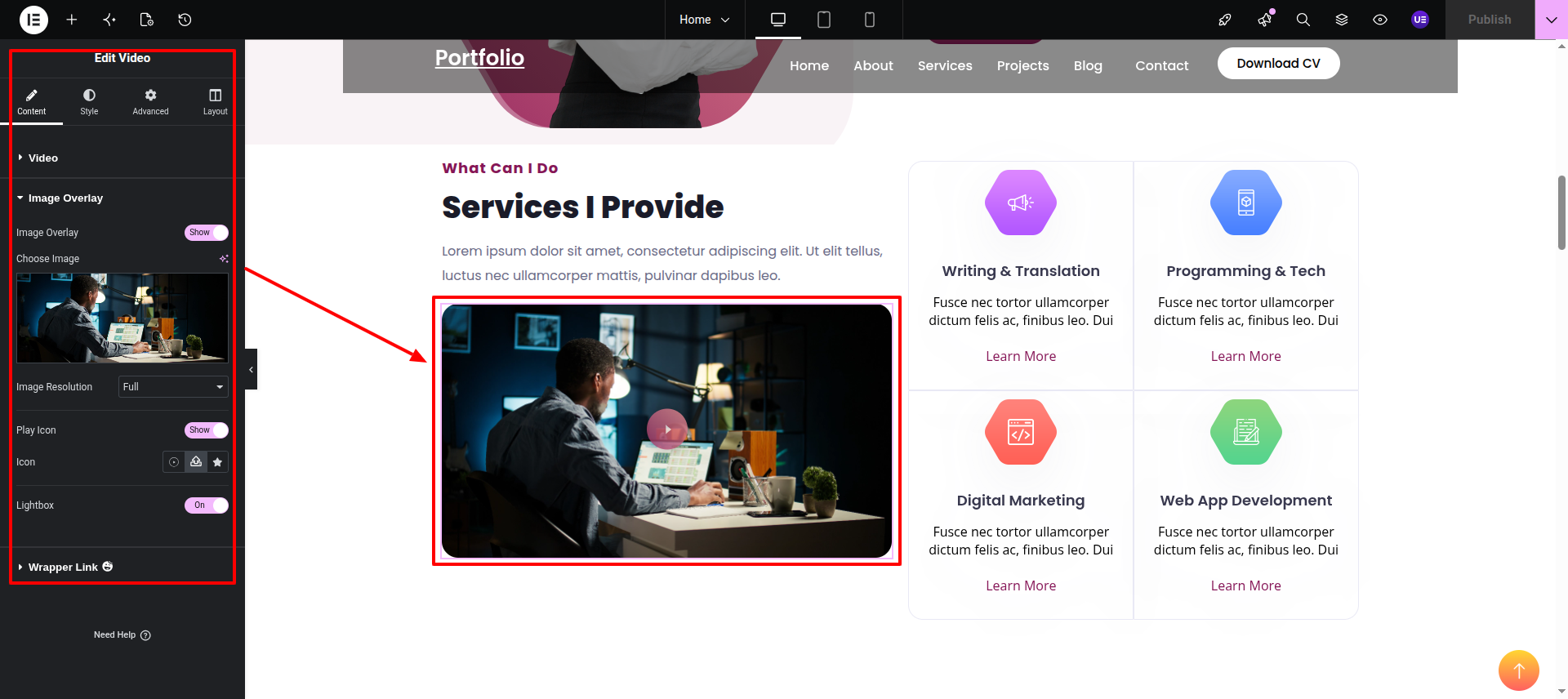
Video This is the Video Widget, to fecth any kind of video hosted on any platform.
Amox Grid This is Amox Grid by Ultimate post kit.
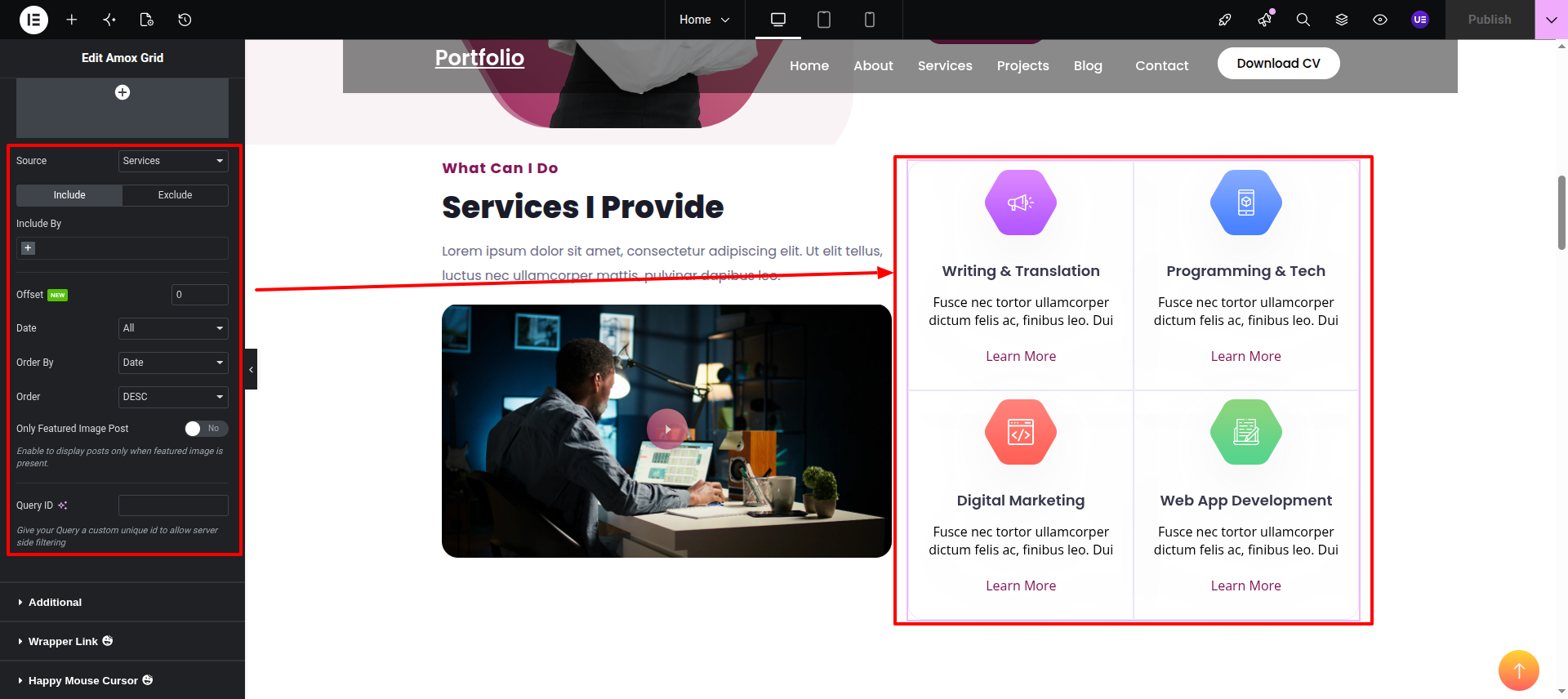
Final Progress See below for design insights.
This section pertains to the Timeline.
Initial Progress while hitting "edit page with elementor" Discover "Simple Button Widget in widgets" then "add your text in the widget." .
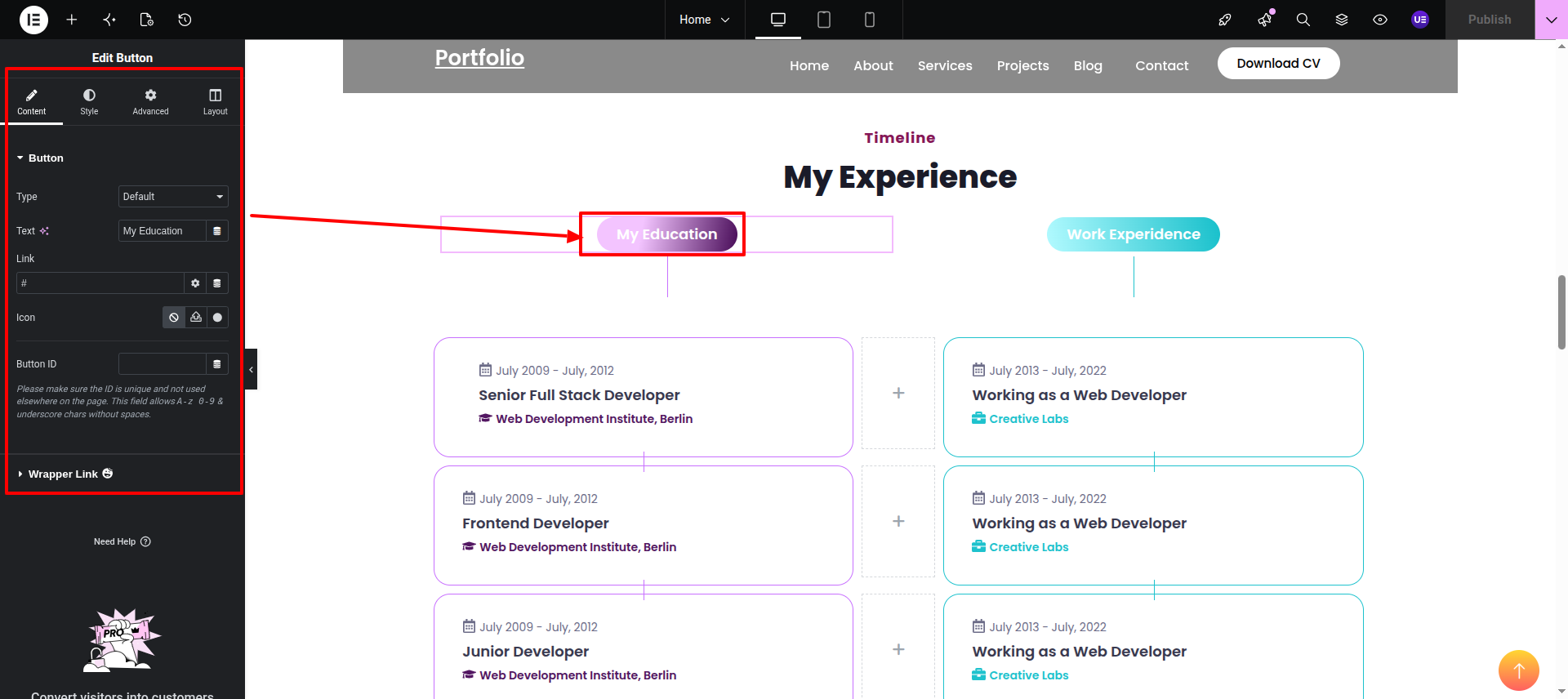
Icon Box This is the Simple Icon Box.
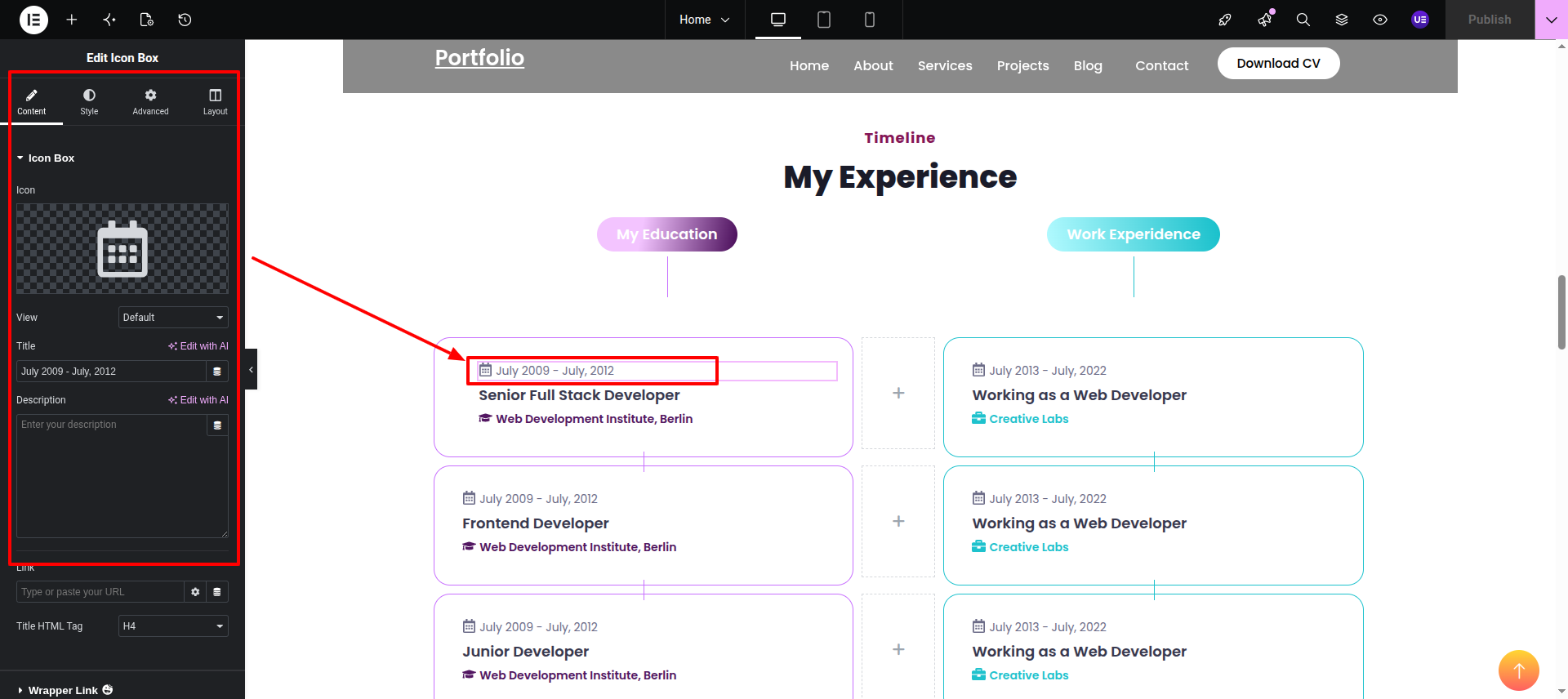
Heading Widget This is the simple Heading Widget.
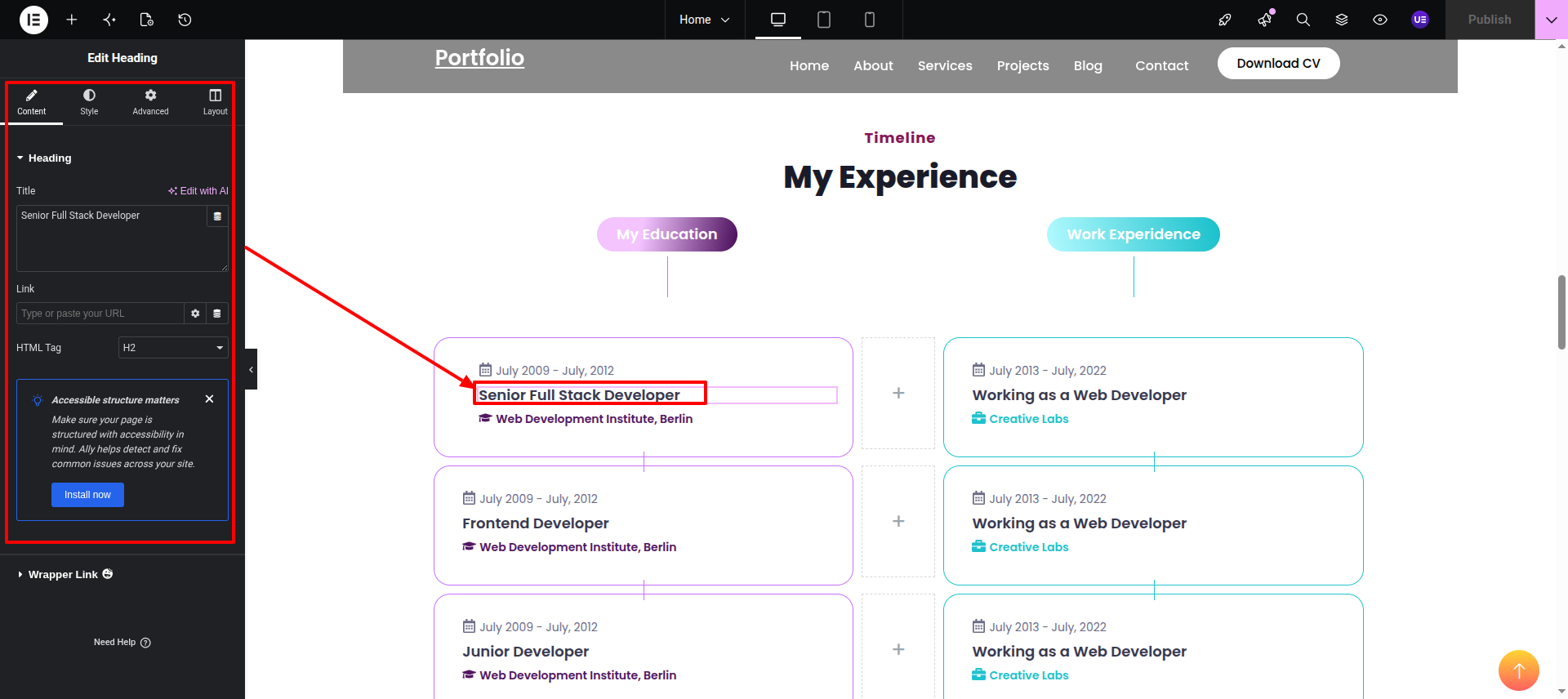
Icon Box This is the Simple Icon Box.
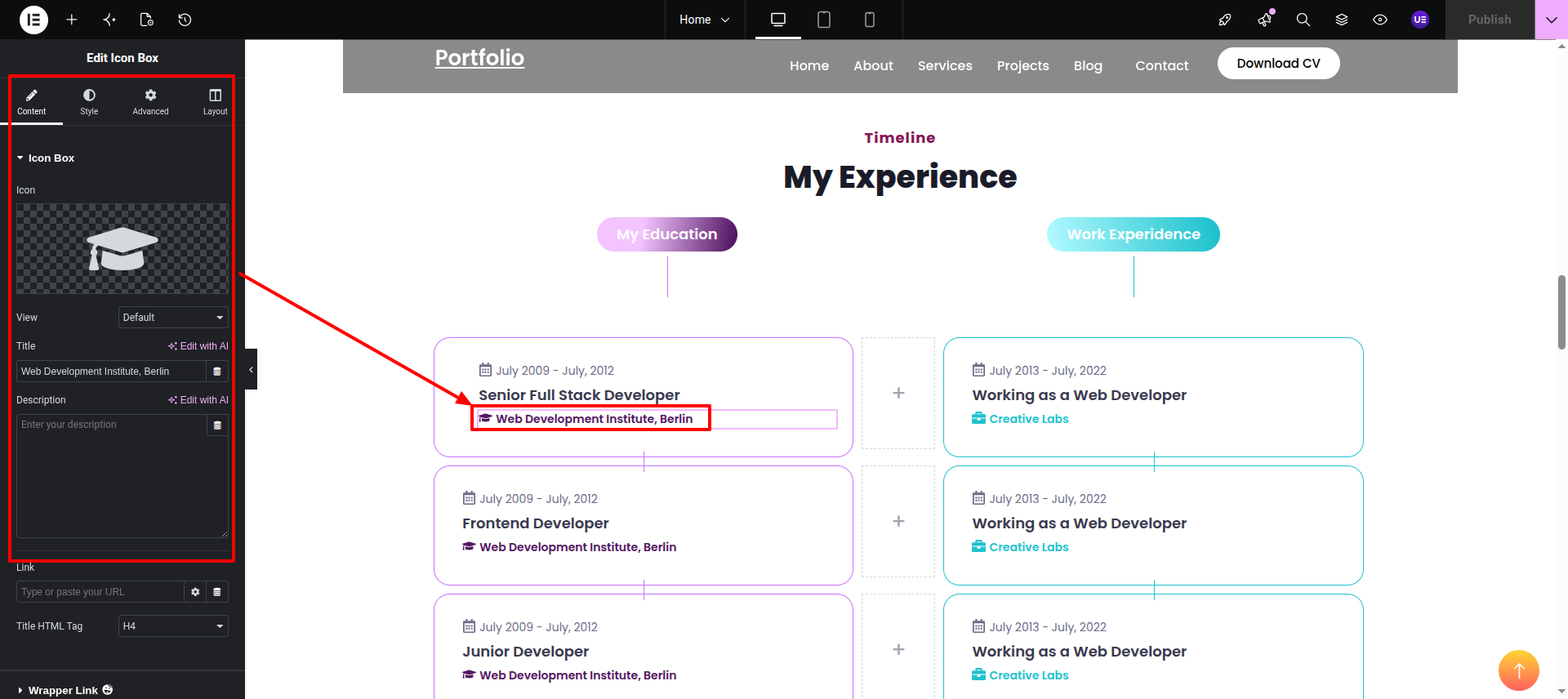
Final Progress See below for design insights.
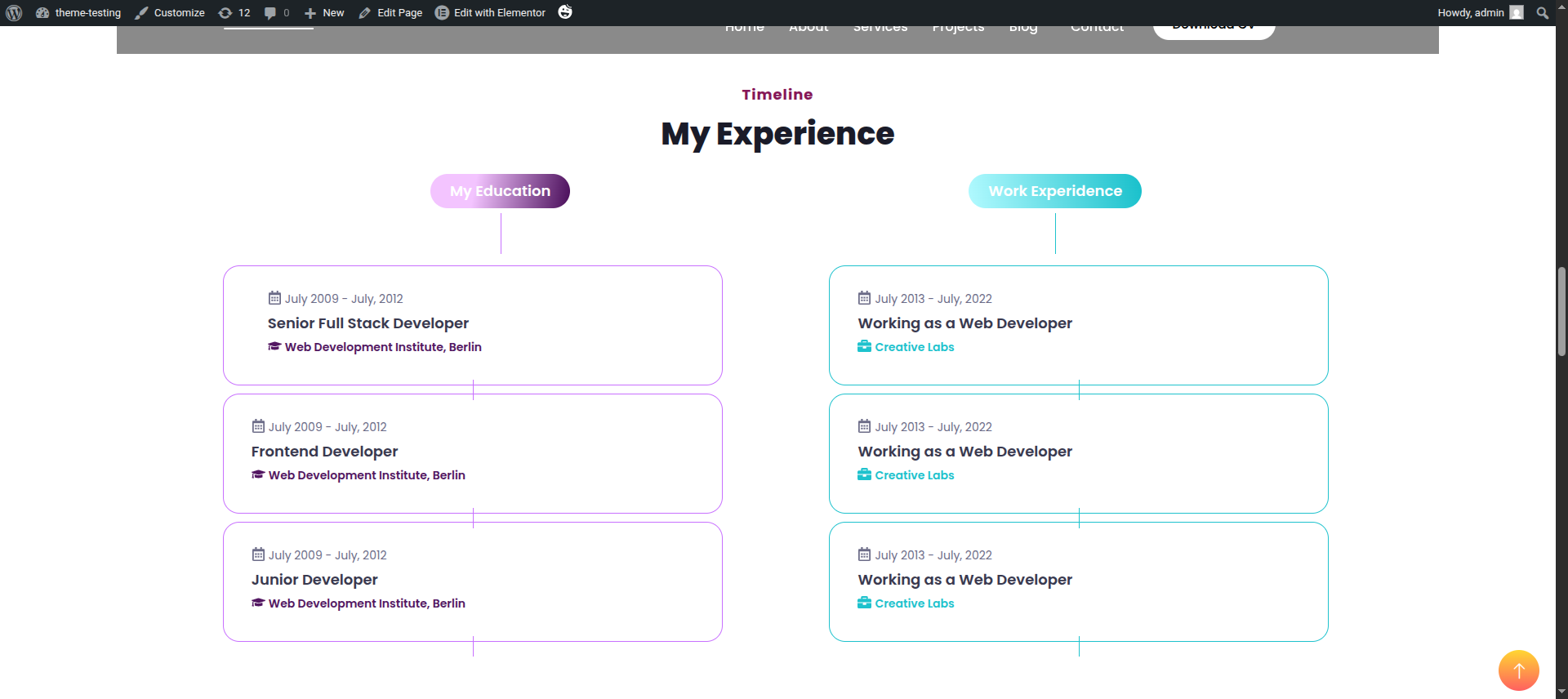
This section pertains to the Work Process.
Image Box This is the Image Box Widget"
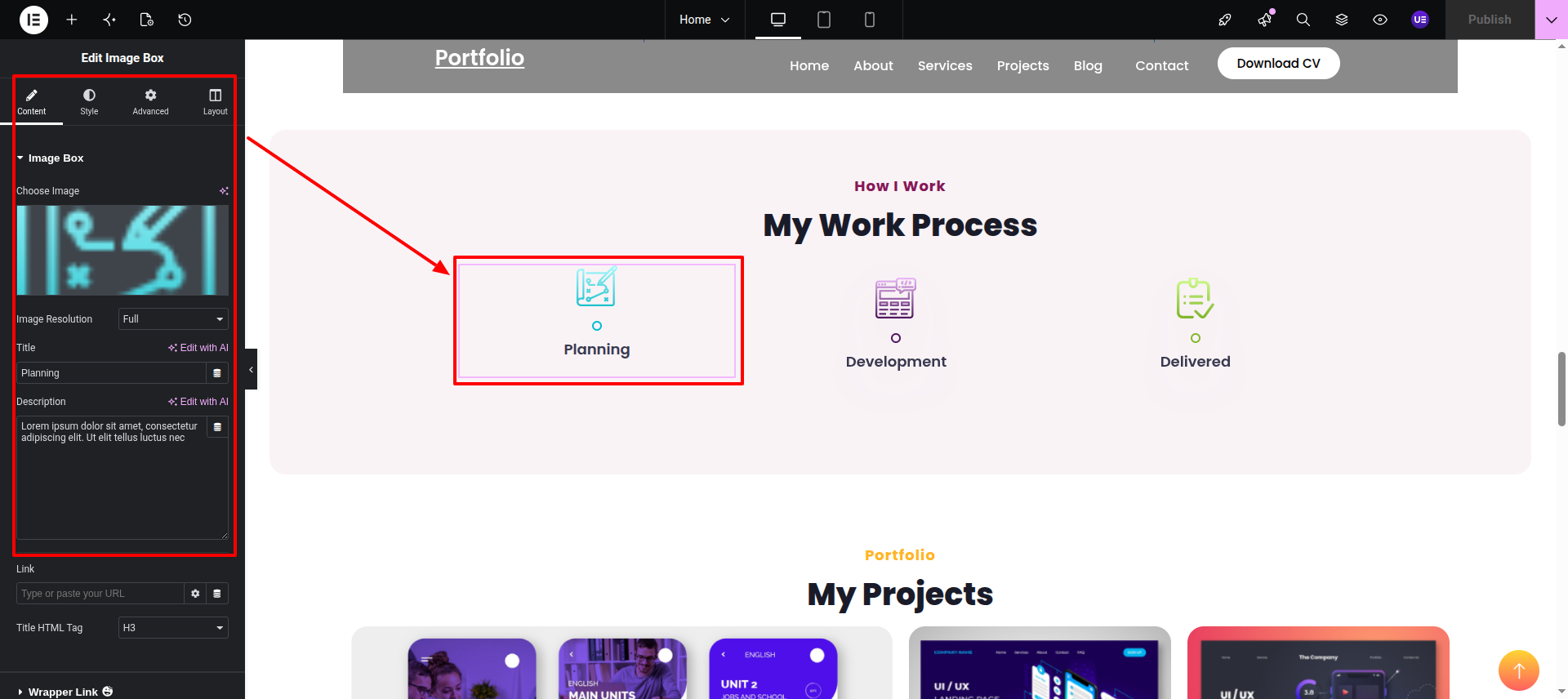
Final Progress See below for design insights.
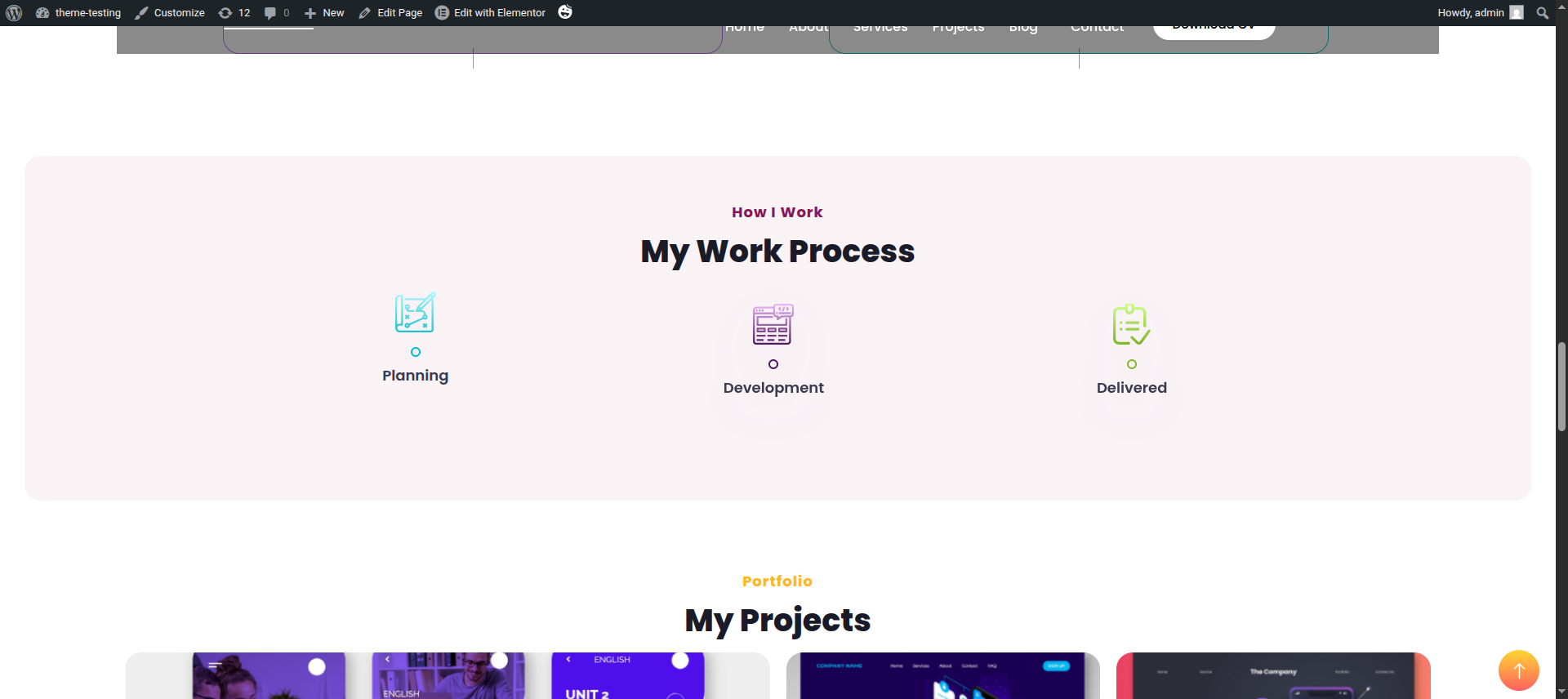
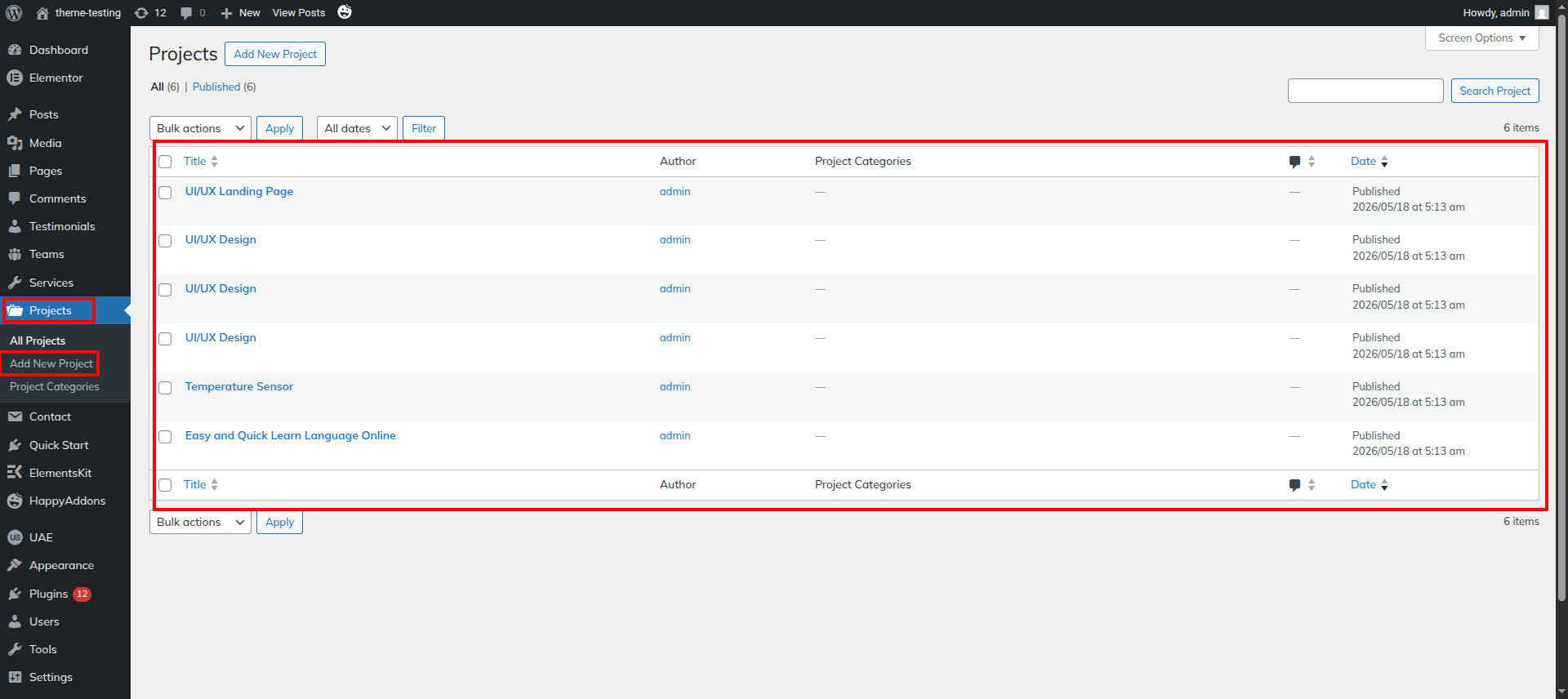
This section pertains to the Projects.
Initial Progress while hitting "Dashboard" Discover "Products Posttype" add your Posts in it .
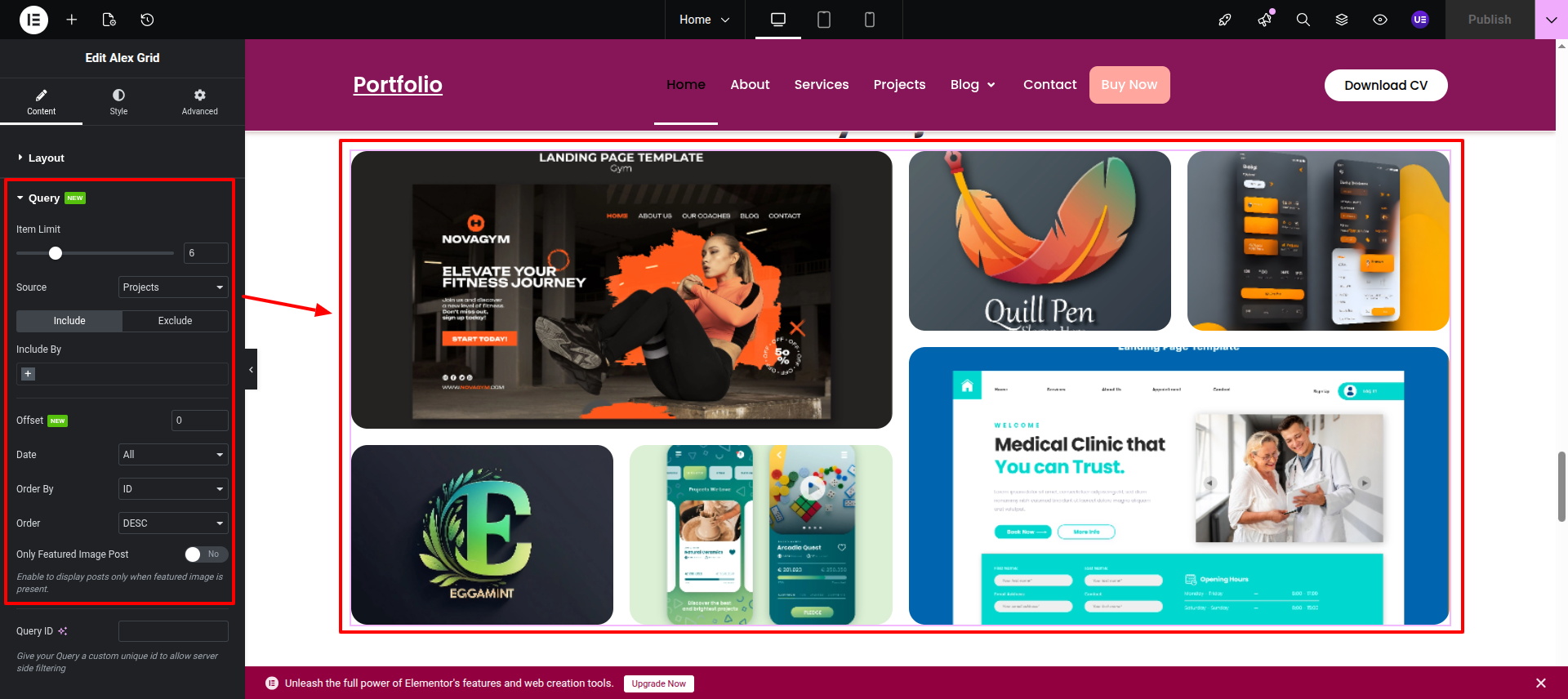
Alex Grid while hitting "edit with elementor" Discover "Alex Grid by Ultimate Post Kit Fetch any of your Post type in here. .
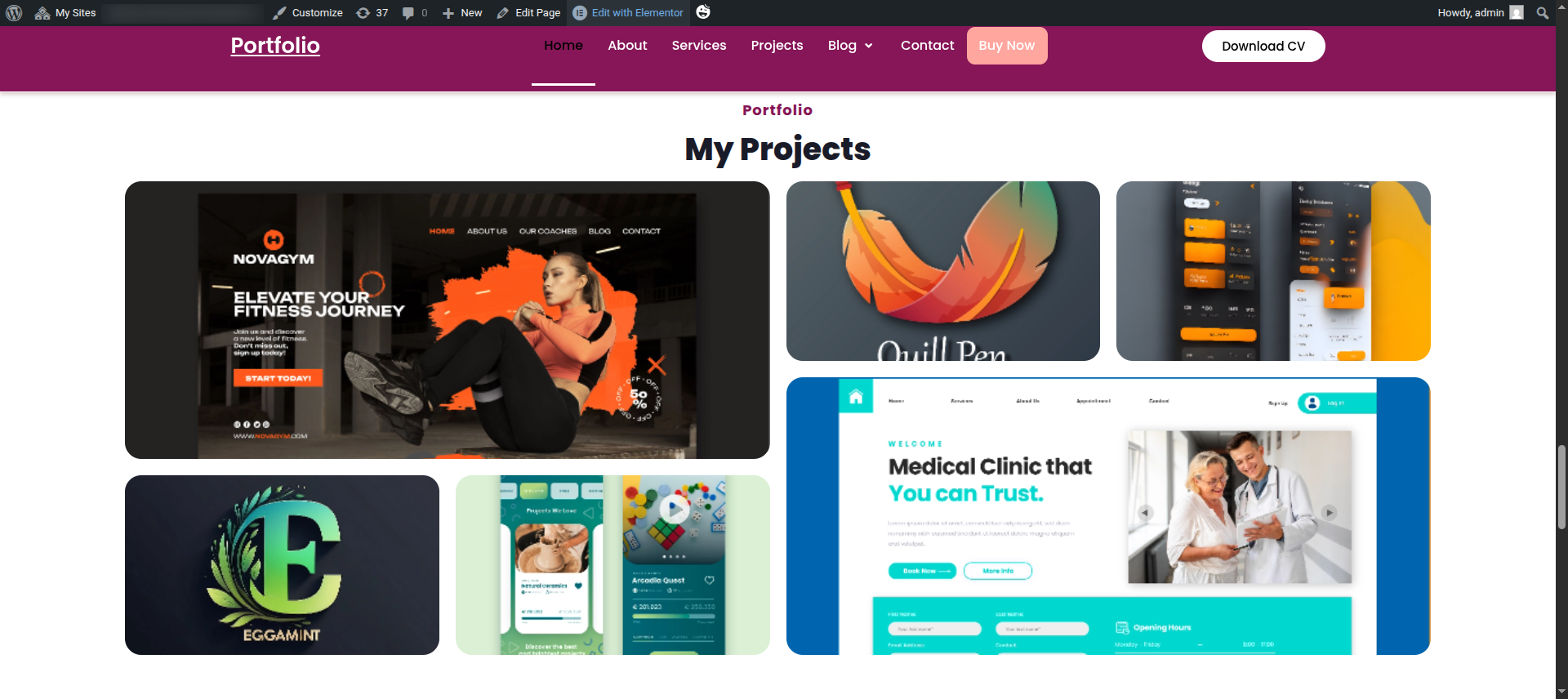
Final Progress See below for design insights.
This section pertains to the Testimonials.
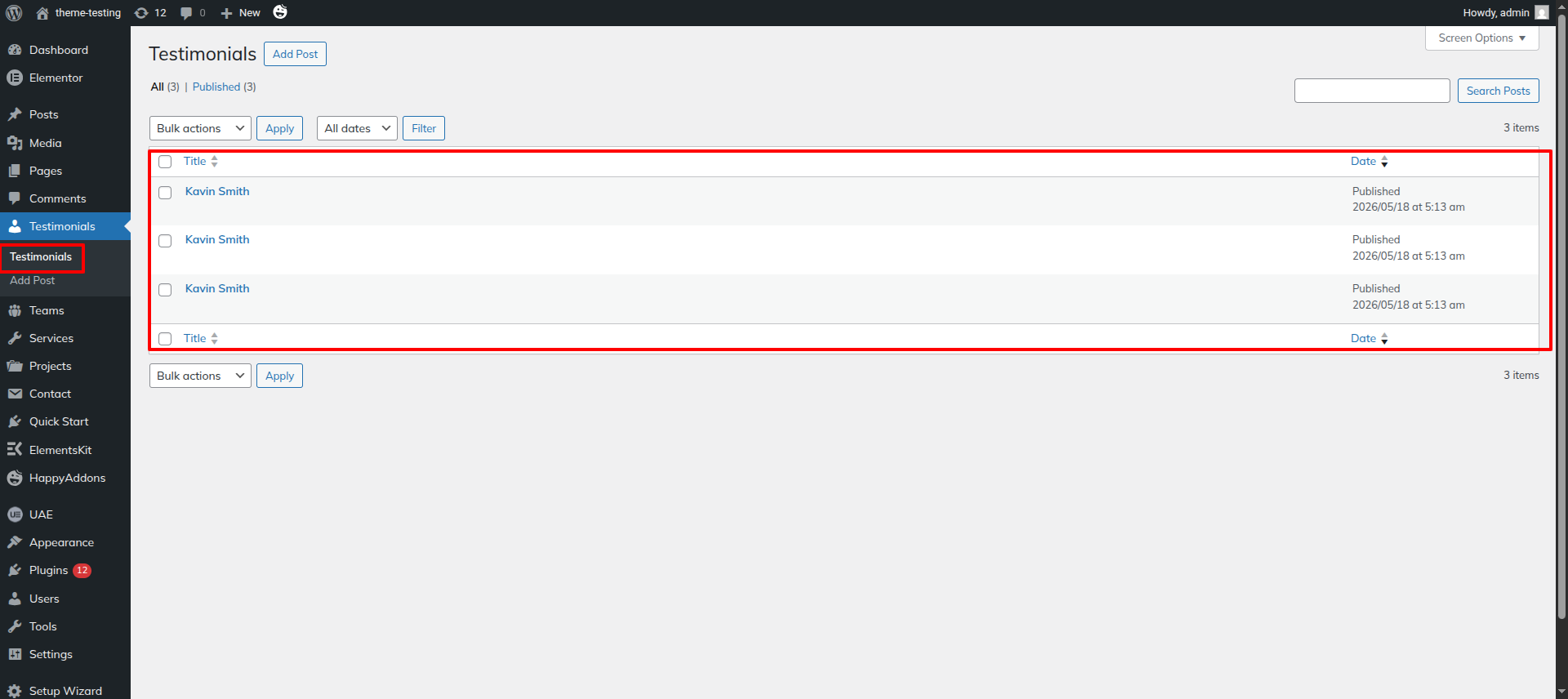
Initial Progress while hitting "Dashboard" Discover "Testimonials" Posttype add your desired data in the posttype .
Amox Carousel This is the Amox Carousel by Ultimate Post Kit.".
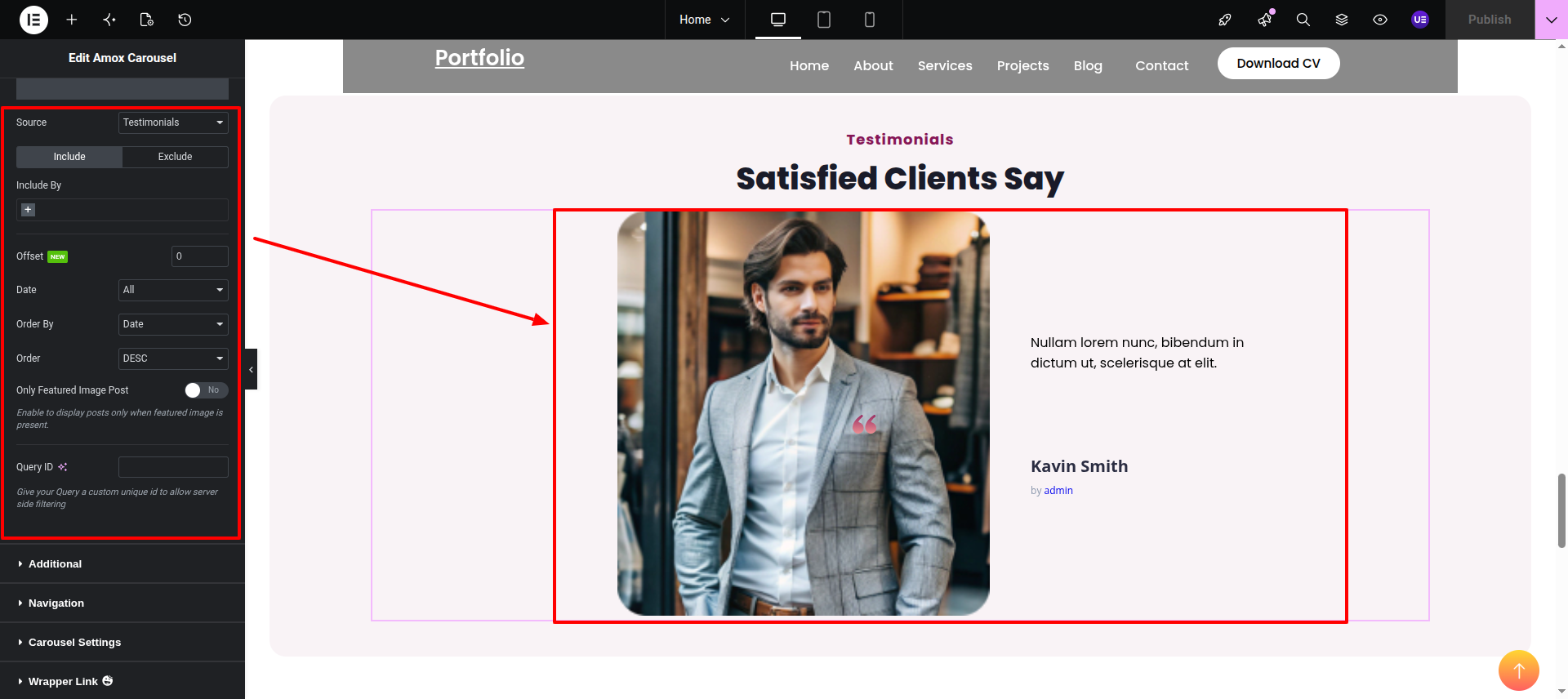
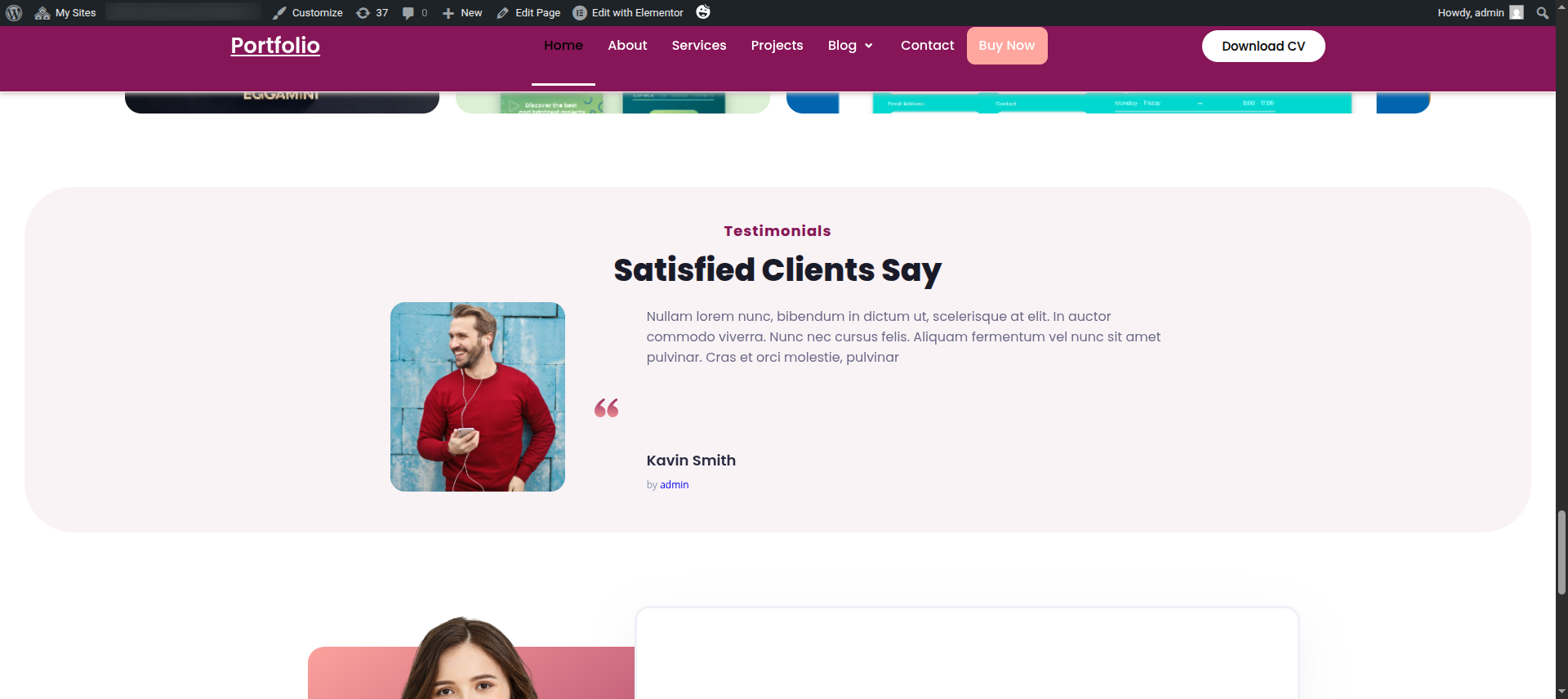
Final Progress See below for design insights.
This section pertains to the Contact Us.
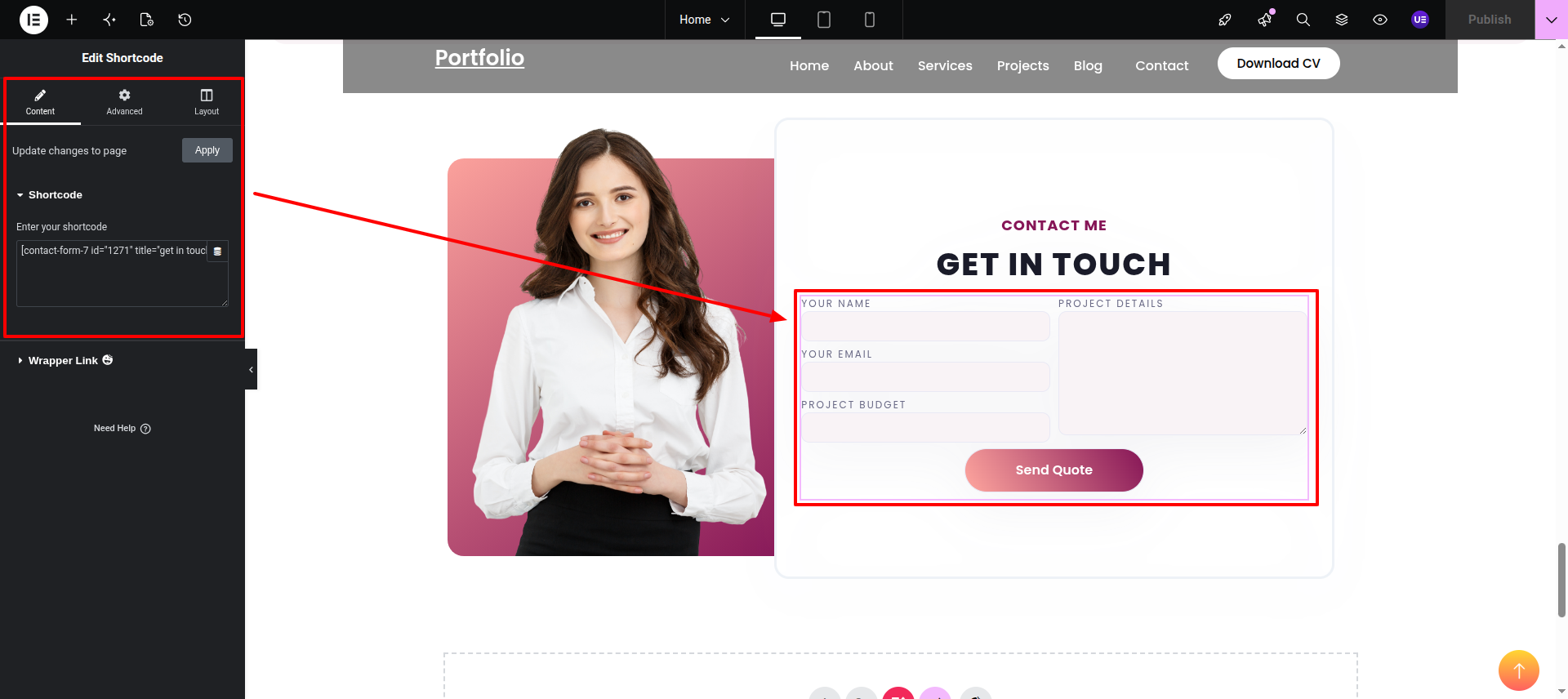
Initial Progress while hitting "Dashboard" Discover "Contact Form 7" "Add New Form" after adding data click "Publish".
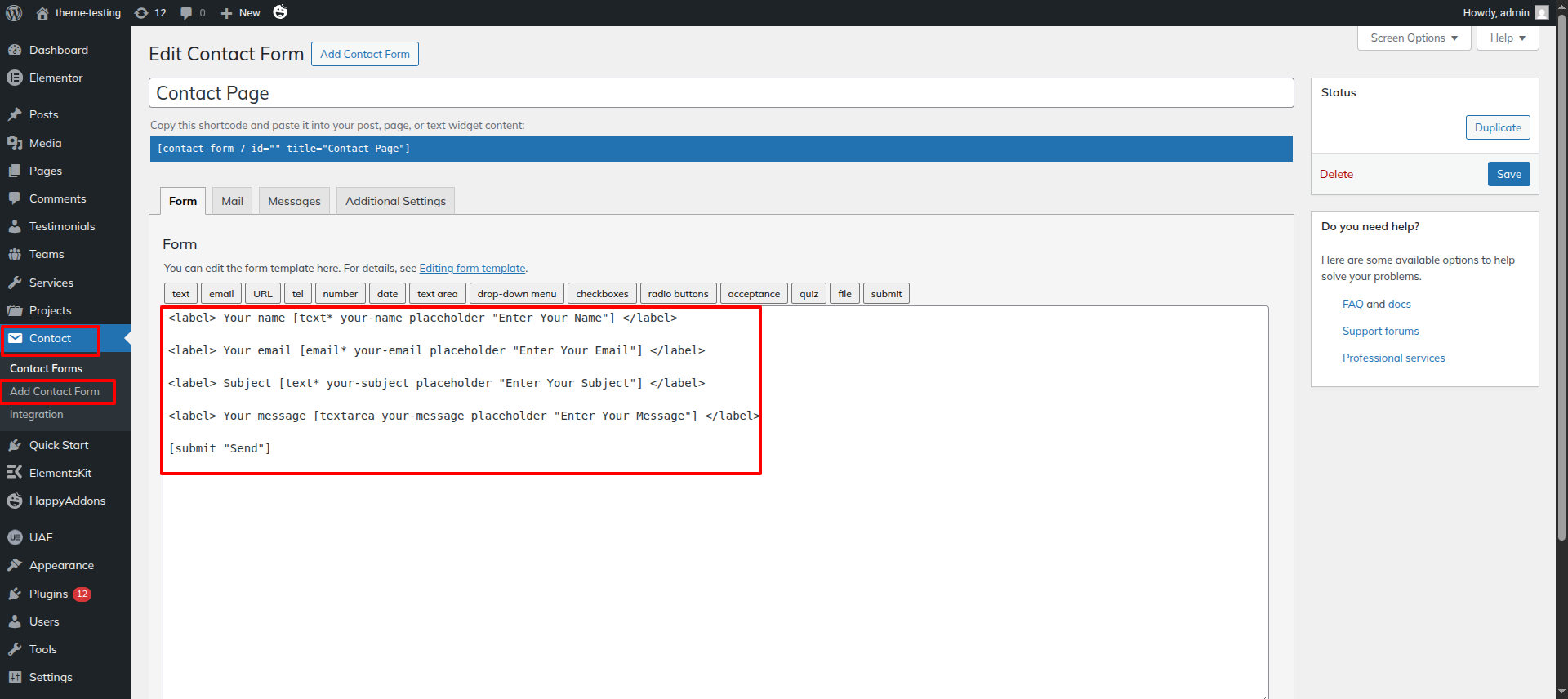
Next Progress while hitting "edit with elementor" Discover widget "Shortcode Widget" Then add the shortcode of your contact form in the widget. .
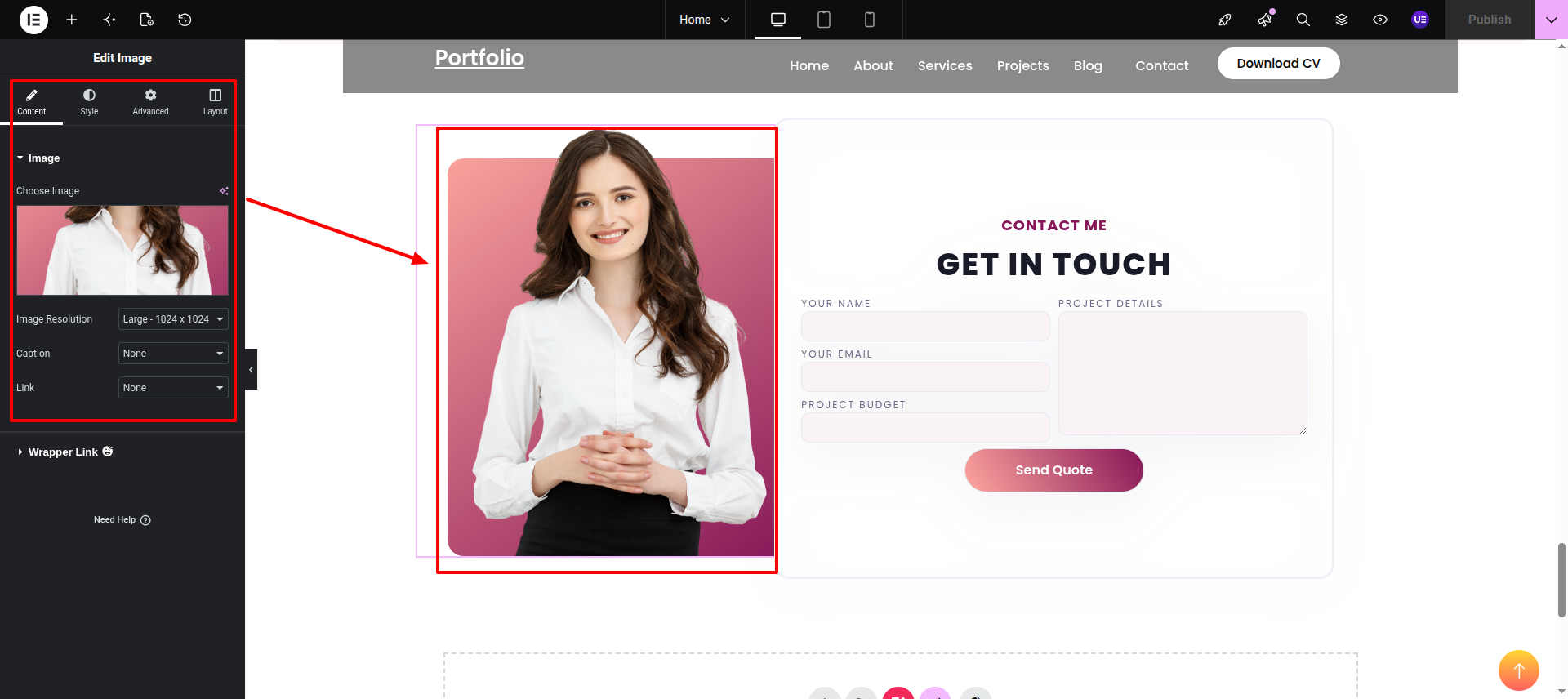
Next Progress while hitting "edit with elementor" Discover widget "Image Widget" then add "Image" in it. .
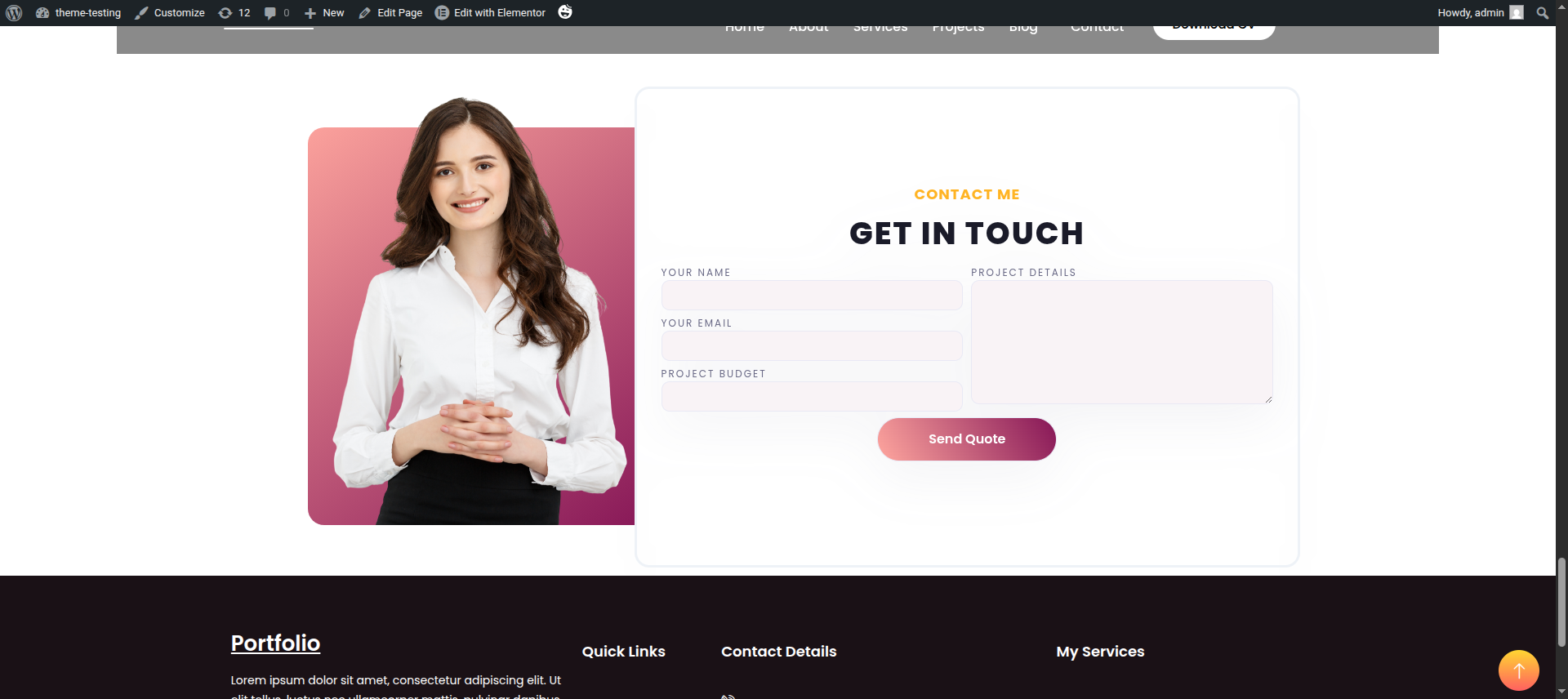
Final Output (Frontend Preview)
This section pertains to the Footer.
Initial Progress while hitting "edit with elementor" Discover all widgets here. for newsletter, you need to create form and fetch it through, shortcode after inserting the widget add your logo.
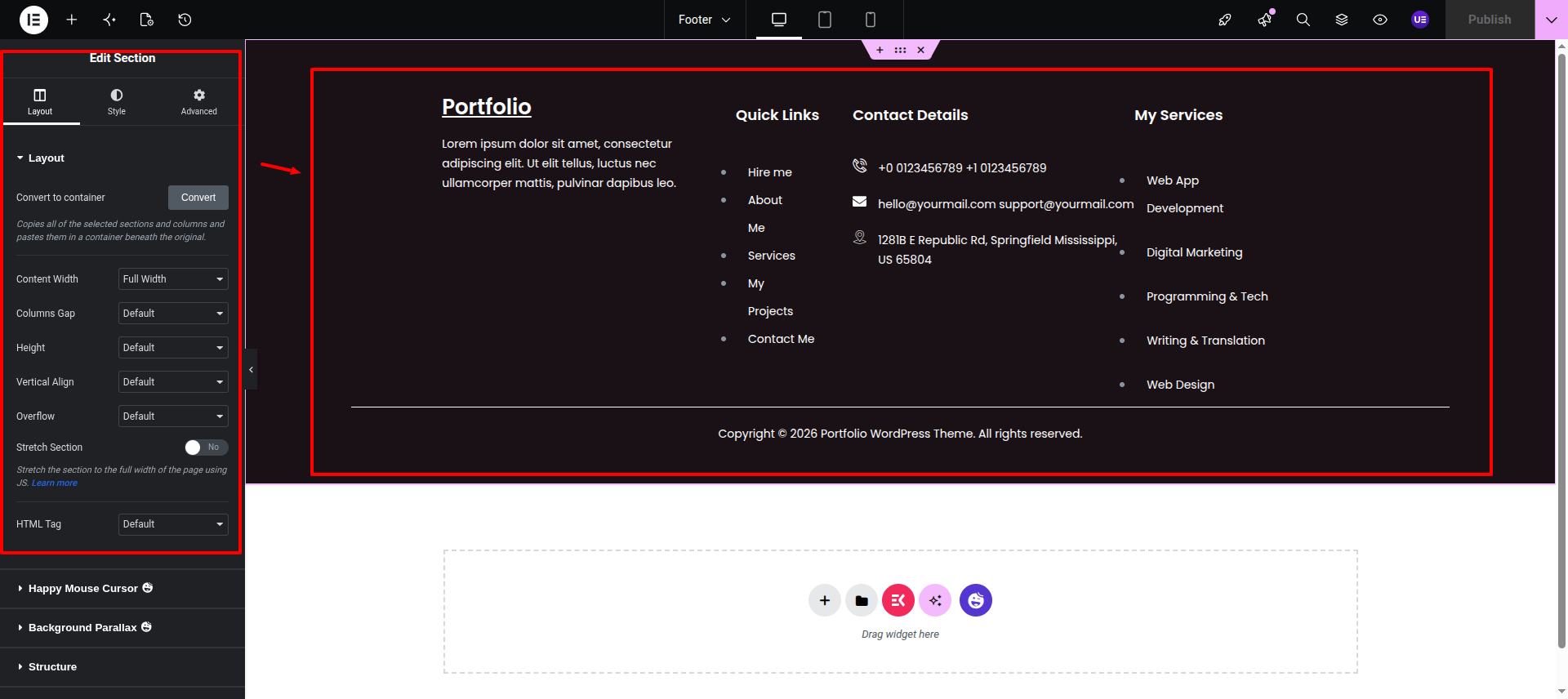
Final Progress See below for design insights.